Hardware Specifications
At a Glance
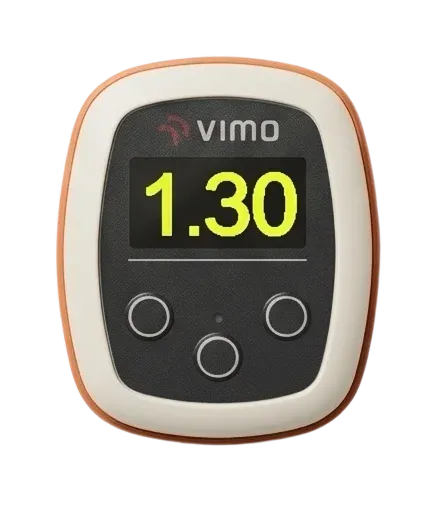
Crisp 128×64 OLED with adjustable brightness and automatic screen sleep.
Low energy wireless for mobile app connectivity and firmware updates.
6-axis accelerometer + gyroscope. Swim-turn detection and session recording are in development and arrive with a firmware update.
Charging dock included, full charge in about 1.5 hours.
Display
| Panel | OLED, 128×64 pixels, readable in all lighting conditions |
| Brightness | Adjustable in Settings → Brightness |
| Screensaver | After 20 seconds without a button press |
| Screen off | 15 seconds into a running program. Any button wakes it, the beat keeps going |

Connectivity
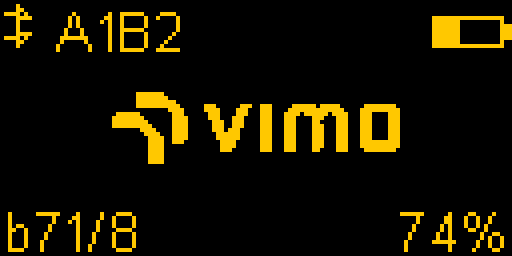
| Bluetooth | BLE (Bluetooth Low Energy). Shows up in the Vimo Connect app as Vimo-XXXX, your unit's short ID |
| Heart rate | Bluetooth heart rate monitors, coming in a firmware update |
| Updates | Over-the-air firmware updates from the mobile app |
Power & Battery
A full charge lasts 9-12 hours of active training with a program running. Exact runtime depends on the signal type and screen brightness: flash is the most economical signal, haptic the most power-hungry.
| Charge time | About 1.5 hours on the wireless charging dock (included) |
| Auto power-off | After 5 minutes with no program running, with a short countdown on screen |
| Standby | Months in ship mode (storage) |
| Low battery | Below about 12% the device will not start and asks you to connect the charger |

Physical Design
| Waterproof | Designed for extended water exposure |
| Form factor | Compact, fits comfortably in a swimming cap |
| Weight | Lightweight for comfort during training |
Menu Map
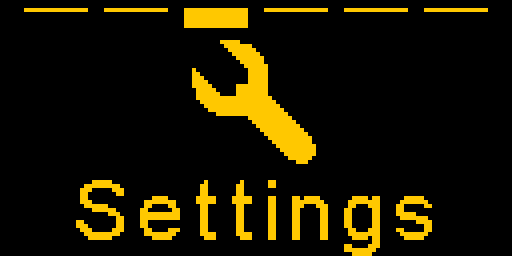
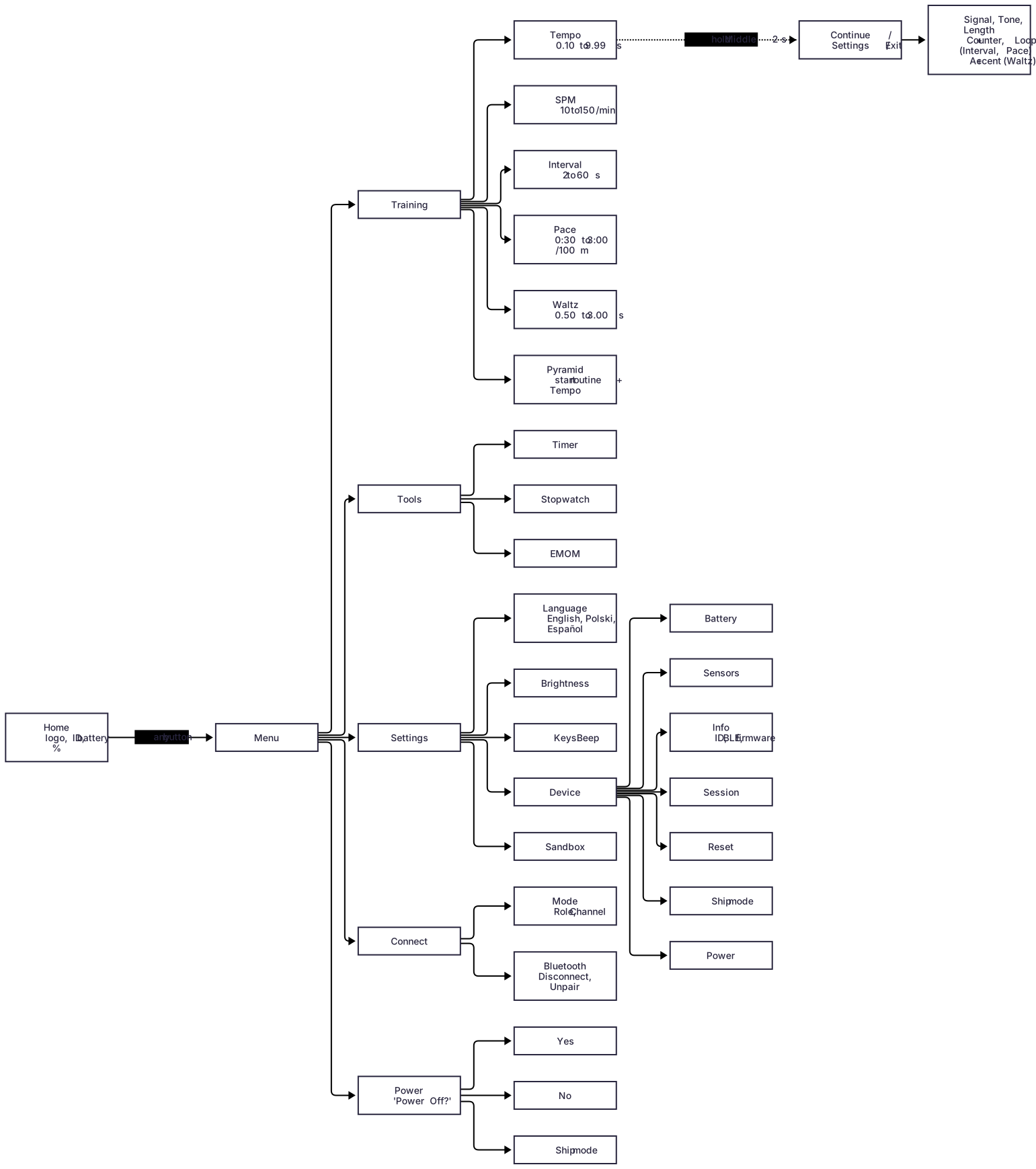
Press any button on the Home screen to open the menu. Scroll with left and right, select with the middle button. Every list ends with Back.


| Training | Tempo, SPM, Interval, Pace, Waltz, Pyramid |
| Tools | Timer, Stopwatch, EMOM |
| Settings | Language, Brightness, Keys Beep, Device |
| Connect | Mode (Role, Channel), Bluetooth (Disconnect, Unpair) |
| Power | Power off, or ship mode for storage |
Button Controls
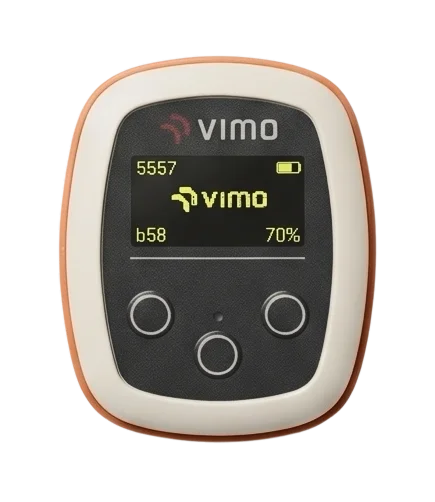
Previous item, lower value. Hold 3s on the Home screen or in a menu to power off; wakes the device from off.
Select, start/stop the program. Hold 2s inside a program for Continue / Settings / Exit. Double-click to leave the program.
Next item, higher value. Hold to fast-scroll.
Sensors
Firmware Updates