New firmware b91 available (German language and more)
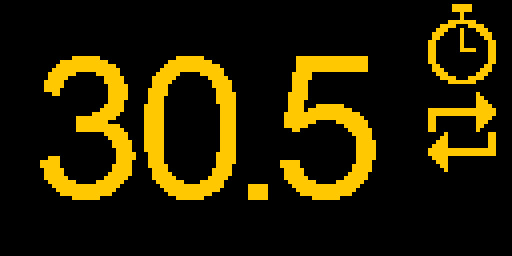
Interval in tenths of a second. Many swimmers train to a pace per 100 m, and a pace like 2:02 per 100 m needs 30.5 s per 25 m. Until now the Interval program only took whole seconds, so you had to round up or down. The time now shows as 30.5, and the left and right buttons change it in 0.1 s steps. Hold a button to change it faster. The interval ends exactly on time, while the countdown on the screen still shows whole seconds, so it stays easy to read in the water.
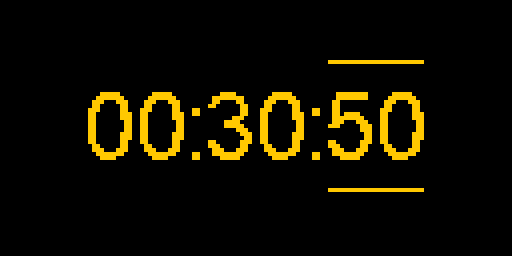
A start signal after the Counter. The Counter is the short countdown before your first interval. Before, its last second sounded like every other second, so it was hard to know the exact moment to push off. Now the countdown ends with one long beep. Push off on the long beep.
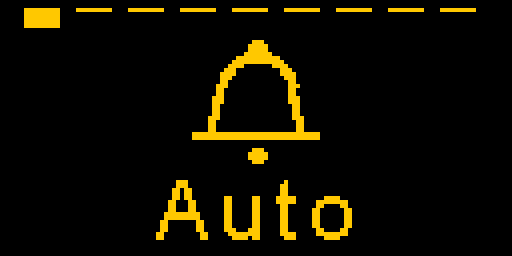
Choose where Vimo starts. Some swimmers want Vimo to open their last program right away, others want the home screen. So it is now your choice. Go to Settings > Startup and pick:
- Home screen: Vimo starts on the home screen. This is the default.
- Last program: Vimo opens the program you used last, with the same settings. One press on the middle button starts it.
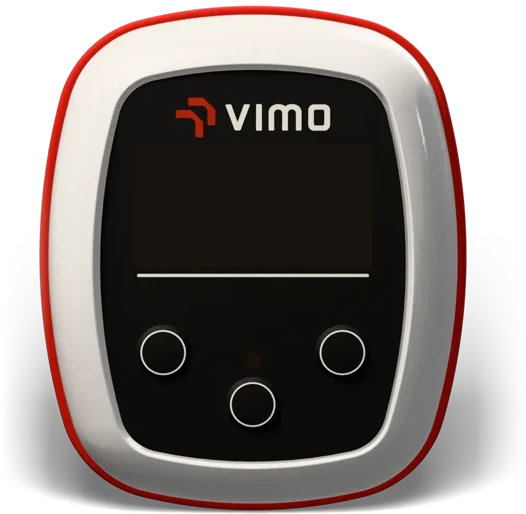
No more starts by mistake. When the screen is dark and a program runs, one press on the middle button still pauses it right away, so you can stop the beat without looking. When the program is stopped and the screen is dark, the first press now only wakes the screen. Before, a press in your bag could start a session. To start from a dark screen, press the middle button twice.
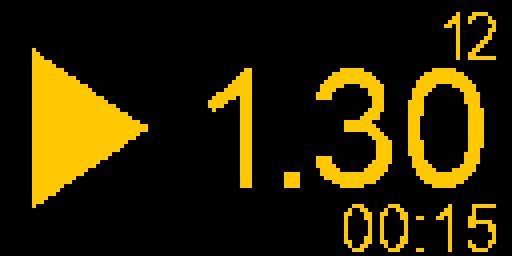
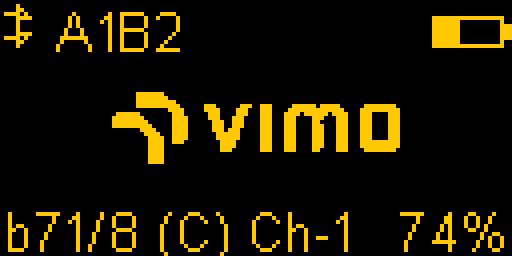
Smaller changes. The menu is now available in German: go to Settings > Language and pick Deutsch. The Counter and Loop icons on the Interval and Pace screens are new and easier to read. And the home screen shows the firmware version as a short bXX in the bottom left corners