
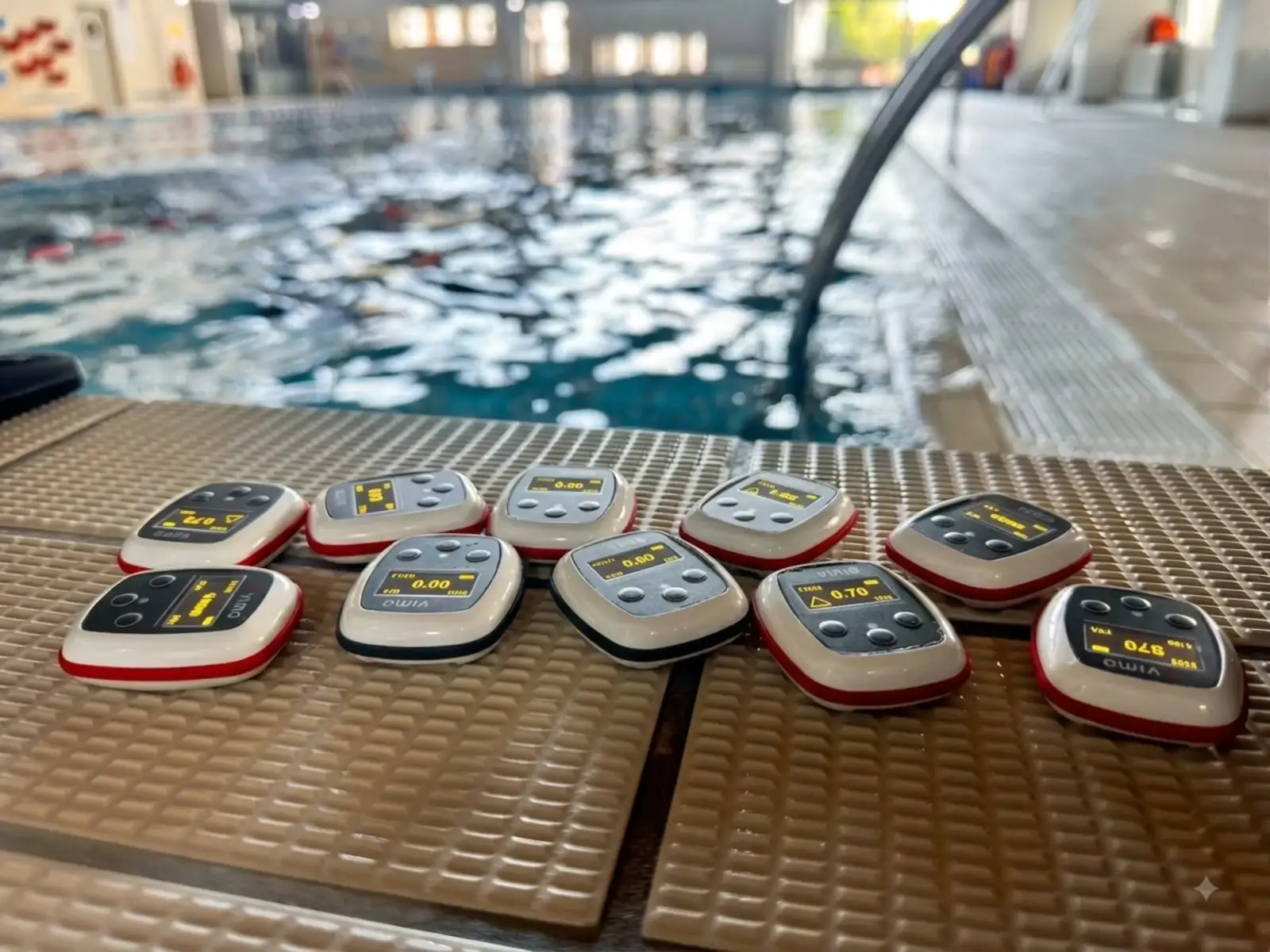
Twelve Swimmers, One Tempo: Running a Whole Squad from One Screen
Handing out tempo trainers to a group used to mean setting every device by hand. With Vimo Coach you set the tempo once and the whole lane follows. A plain-language look at what changes on the pool deck.
Ask any coach who has tried to run a tempo set with a group how the session actually starts, and you get the same story.
A box of tempo trainers on the bench. Twelve swimmers already on the wall, cold, waiting. And the coach, crouched over the box, thumbing through a menu on one device at a time. 1.30. Next one. 1.30. Next one.
Ten devices later, half the group has cooled down, two swimmers have wandered off to the showers, and someone is quietly on 1.35 because a button got pressed one time too many. You have not coached anything yet. You have been a settings clerk for five minutes.
That is the problem Vimo Coach was built for, and the fix is as simple as it sounds: you set it once, and every device in the water follows.
Set it once
Vimo Coach is an app for the coach, not for the swimmer. You open it on the pool deck, it finds the devices around you, and you connect the ones you are using today: one by one, or the whole group with a single tap.
From that moment the box of devices stops being ten separate gadgets. It is one squad on one screen.
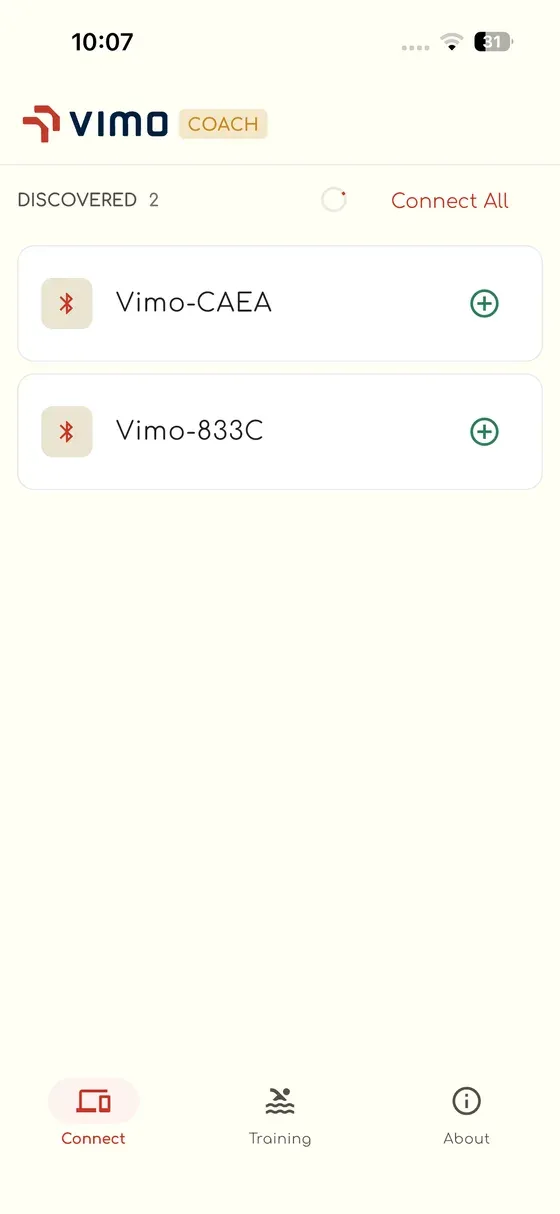
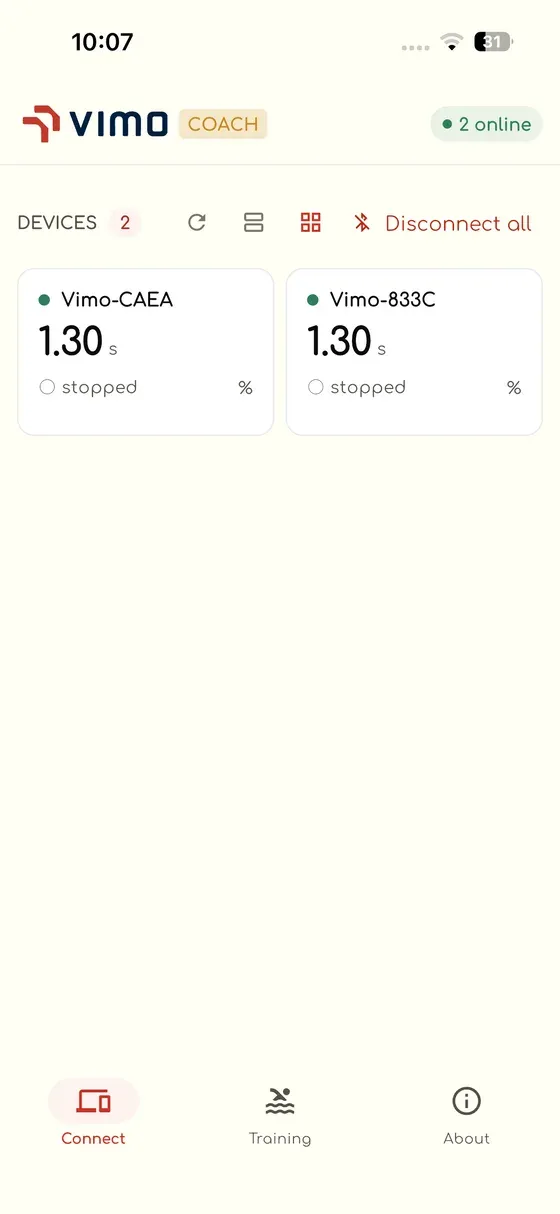
You hand the devices out already set. Swimmers get in the water. The set starts on time. The five minutes you used to lose at the bench are back in the session, and that is before anything clever happens.
Everyone starts on the same beep
The second thing that changes is the start.
With devices set individually, "go on my whistle" is an approximation. Everyone presses start at slightly different moments, so by the fourth length the group is a scattered field of beeps and nobody is really swimming the same set.
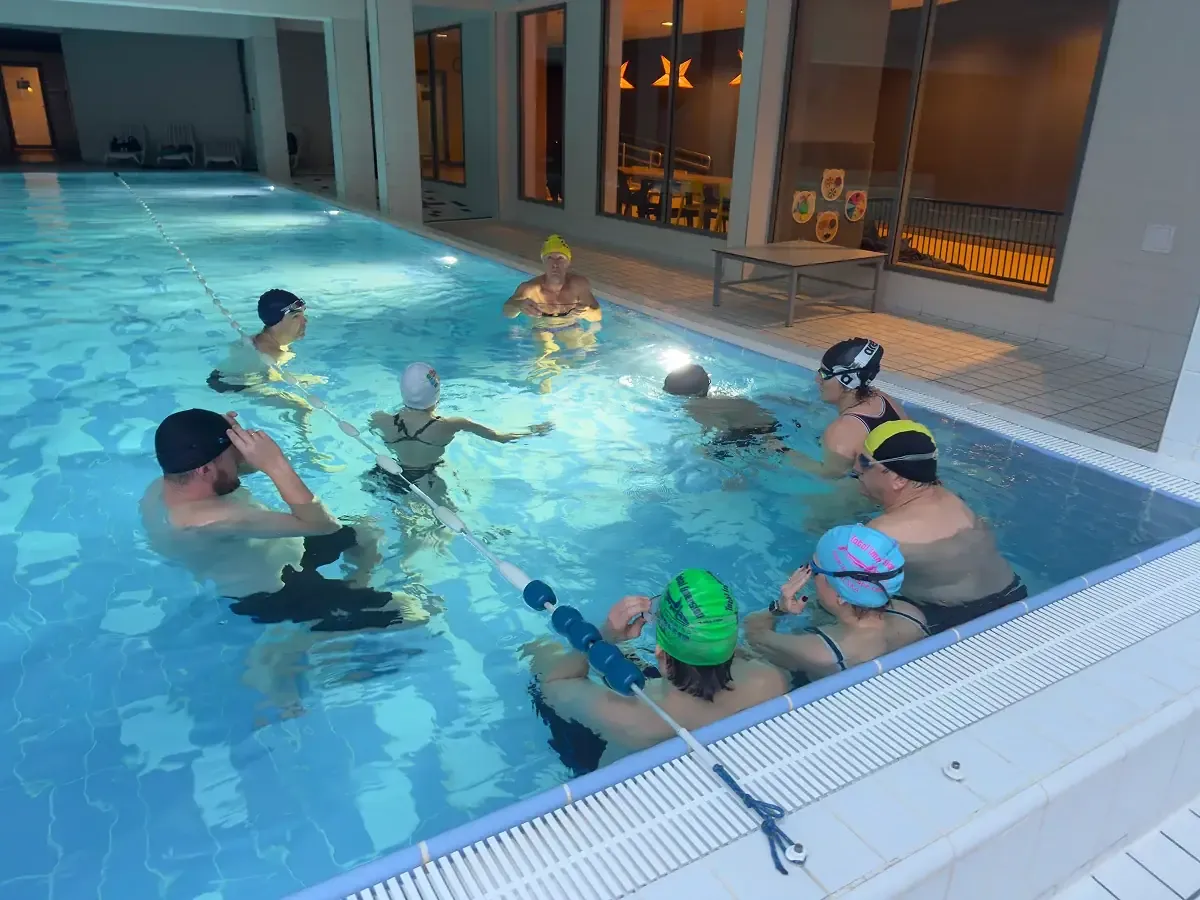
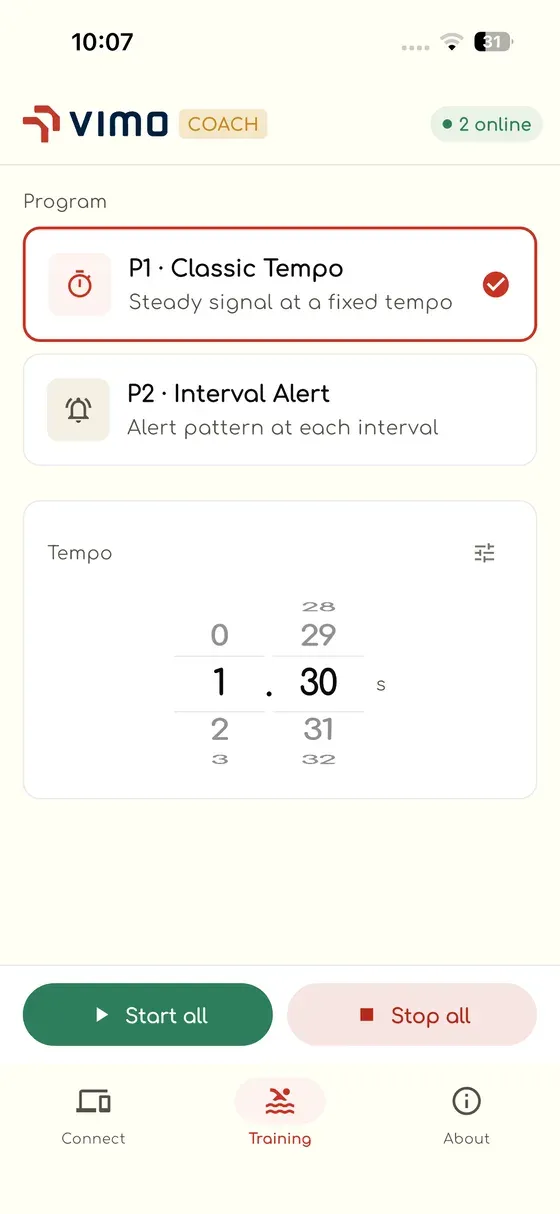
In Vimo Coach there is one start, and it is yours. Start all, stop all. The whole lane begins on the same signal and ends on the same signal, so a group of twelve is genuinely training together rather than twelve people doing the same workout near each other.
For anything built around send-offs, pace lines or synchronised drills, that alone is worth the app.
Change the set without leaving the deck
Sessions never survive contact with the pool. The group is holding the tempo too easily, so you want it a notch quicker. Or the drill is falling apart and you need to slow everyone down before it becomes bad technique repeated fifty times.
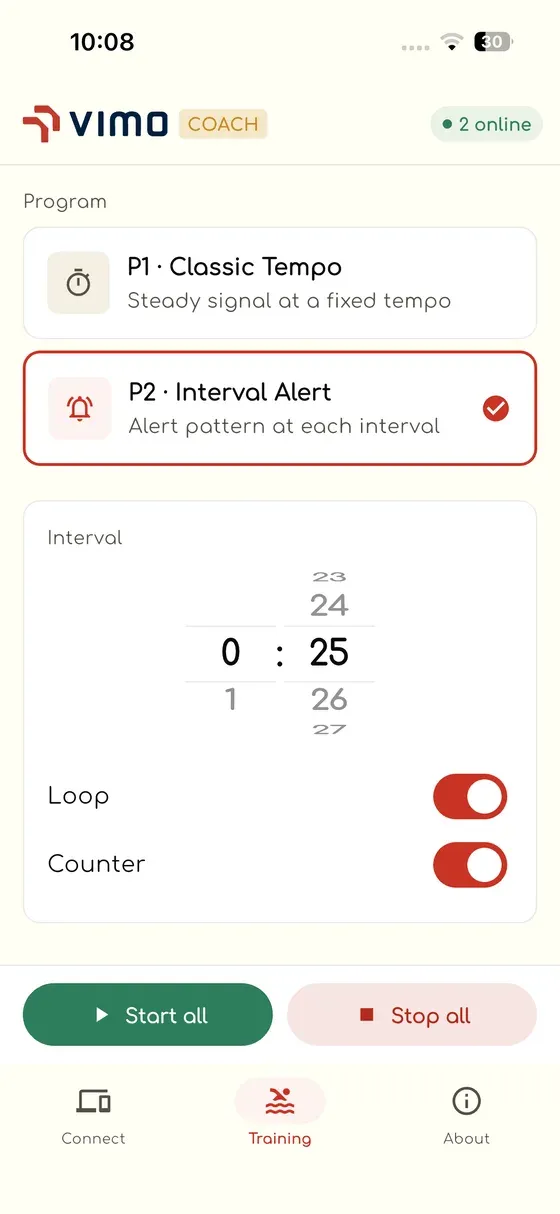
Normally this means calling everyone in, collecting devices, and going back to the bench. In Vimo Coach it is a slider. Move the tempo, and every connected device picks up the new one. Switch the whole group from a steady tempo to interval alerts for the send-off set. Same thing, one move.
And when one swimmer needs something different, a beginner who should not be on the group's tempo, or someone coming back from injury, you can reach into that single device and adjust it without touching anybody else's.
Only the devices on your deck
One small thing that turned out to matter more than we expected: the app shows you the devices that are actually with you.
A busy club can have devices in the store room, devices in the other hall, devices in a colleague's bag. None of that belongs on your screen at 6 a.m. when you are trying to get a session moving. Vimo Coach lists what is on your deck, in range, ready to be handed out, so "connect all" means your ten, not the club's forty.
Updates while the kettle boils
Firmware updates are the other job nobody wants. New version, ten devices, one at a time, each one needing to be watched.
In Vimo Coach you point the app at the group and it works through the fleet on its own, device after device, until the whole box is on the same version. You start it and walk away. It is the least glamorous feature in the app and quite possibly the one coaches will thank us for most.
Where it is now
Vimo Coach is in beta with coaches today on iOS, with Android to follow. It is being used in real sessions: swim clubs, technique groups, triathlon squads. And the feedback loop is short and blunt, which is exactly how we want it.
If you coach a group and you are already using tempo trainers, that is the version of this story we most want to hear: what breaks, what you expected to be there and was not, and what you would drop.
See what the app does on the Vimo Coach page, or reserve your Vimo and bring the rhythm to your own group.
How to Create a Watch Face App for Garmin Watch
Learn how to build a custom Garmin watch face using the Connect IQ SDK and Monkey C. A step-by-step tutorial based on our BeatBuddy watch face experiment.
Recording Your Vimo Tempo in Garmin, with FIT Developer Fields
Garmin swim profiles ignore external cadence sensors, so until now your Vimo tempo could not be recorded in a swim activity at all. The new Vimo Swim Field writes it straight into the FIT file.