
One Ride, Two FIT Files: Stitching a Split Garmin Activity Back Together
A 283 km ride, an accidental mid-ride save, and a merge tool I ended up open-sourcing: how fit-stitch rebuilds two Garmin FIT files into one activity Garmin Connect accepts.
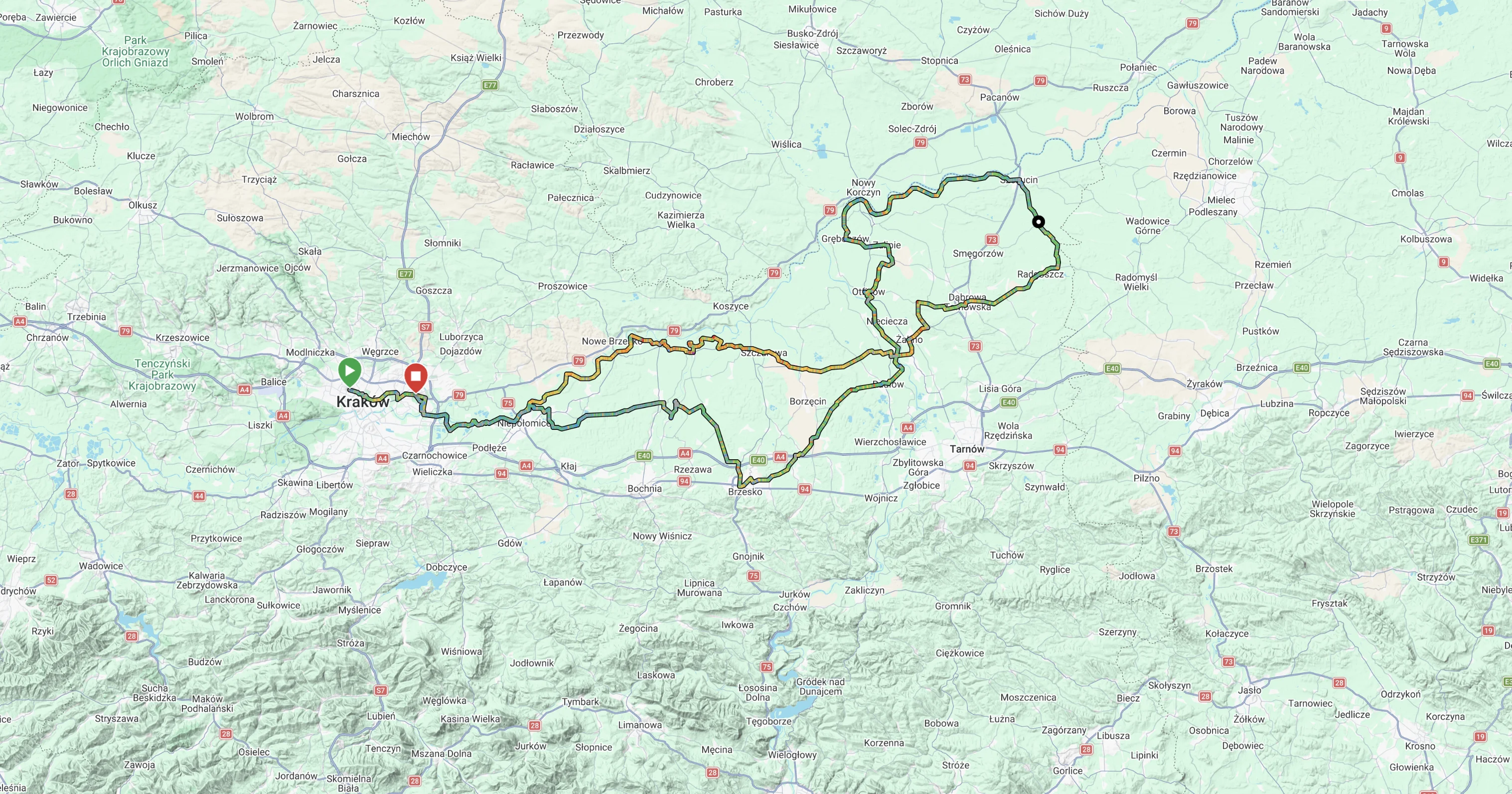
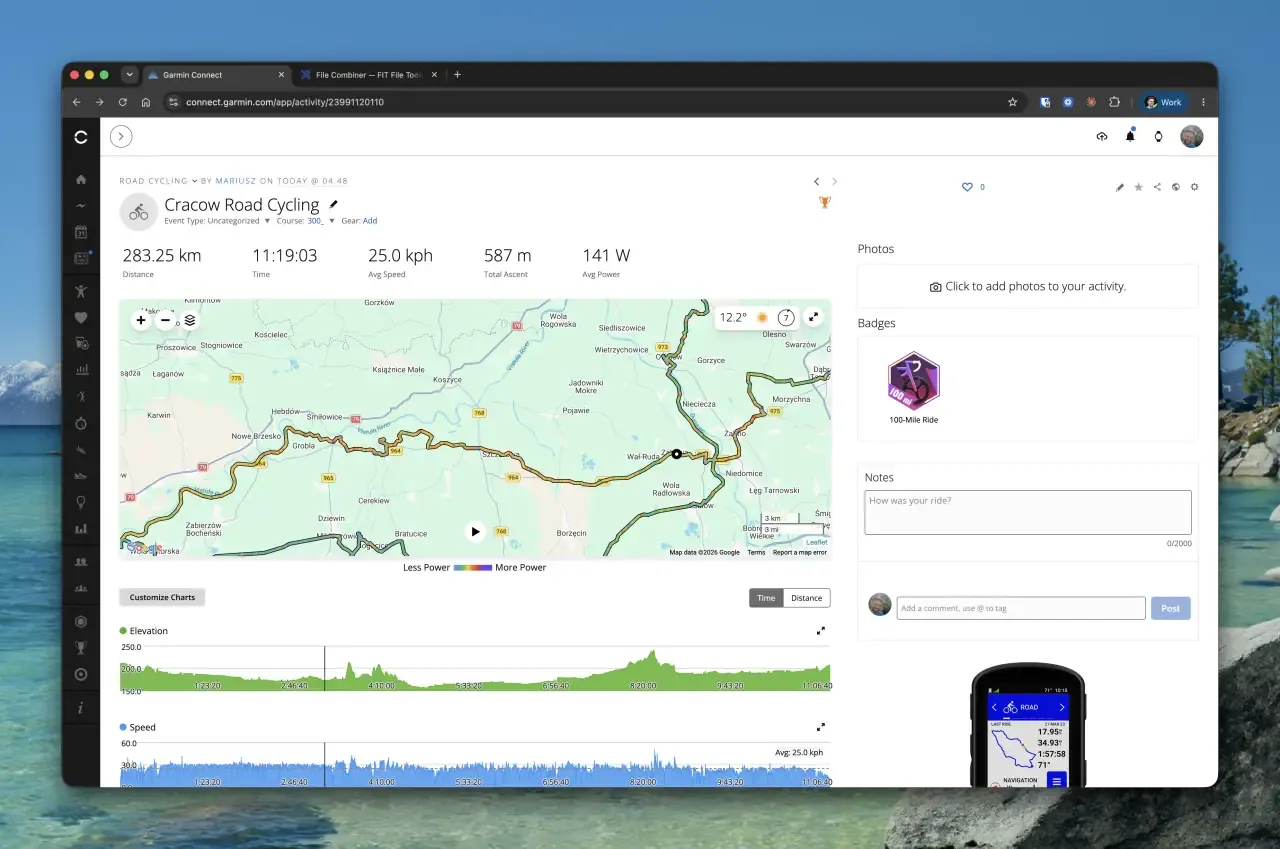
It was supposed to be my first 300+ km ride: Kraków, down the Vistula River Cycling Route to Szczucin, and back. It ended at 283.25 km, with 587 m of climbing, 11:19:03 of riding and a 25.0 km/h average. Still my longest ride to date, and a proper reconnaissance for the real 300.



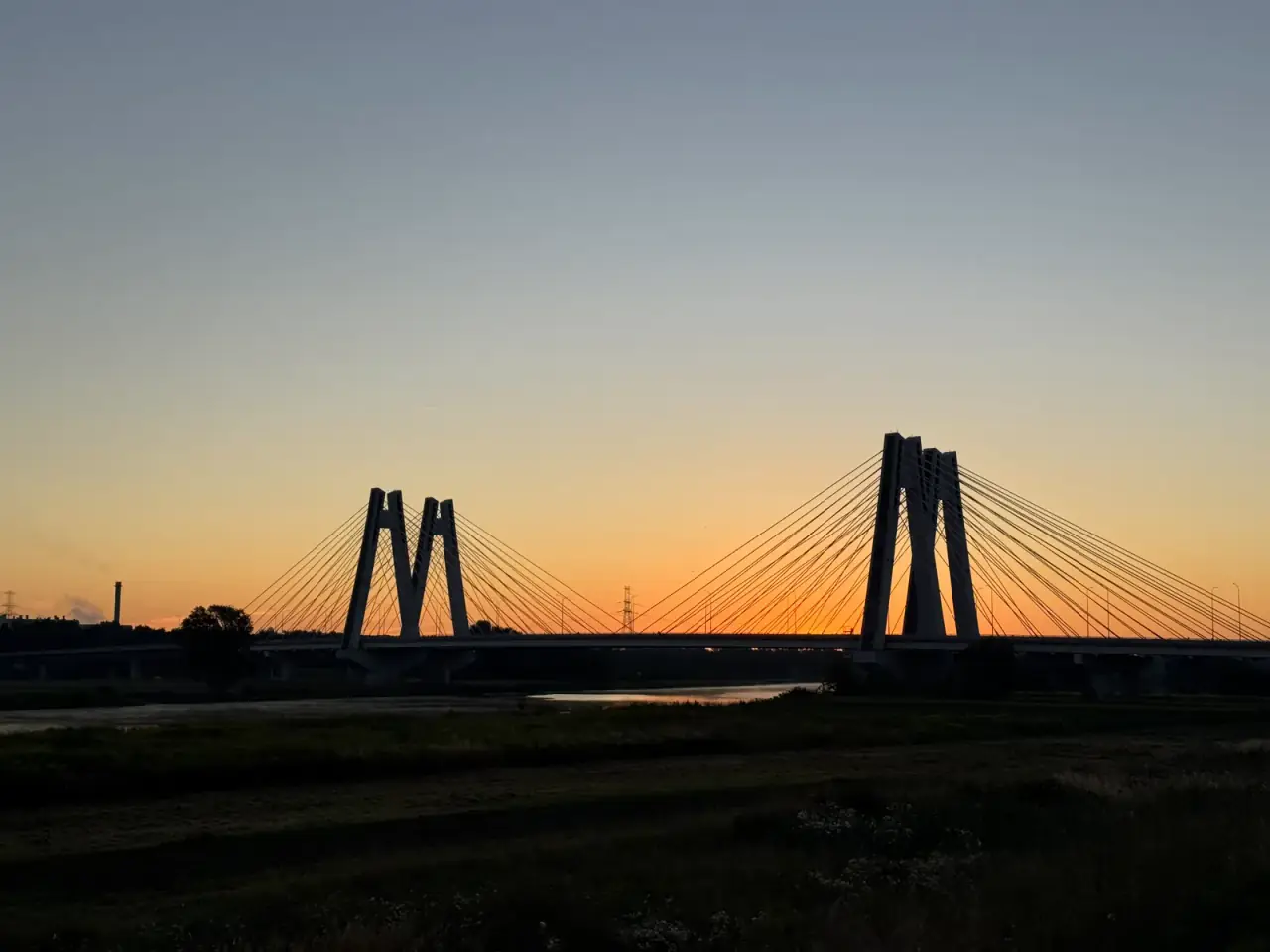


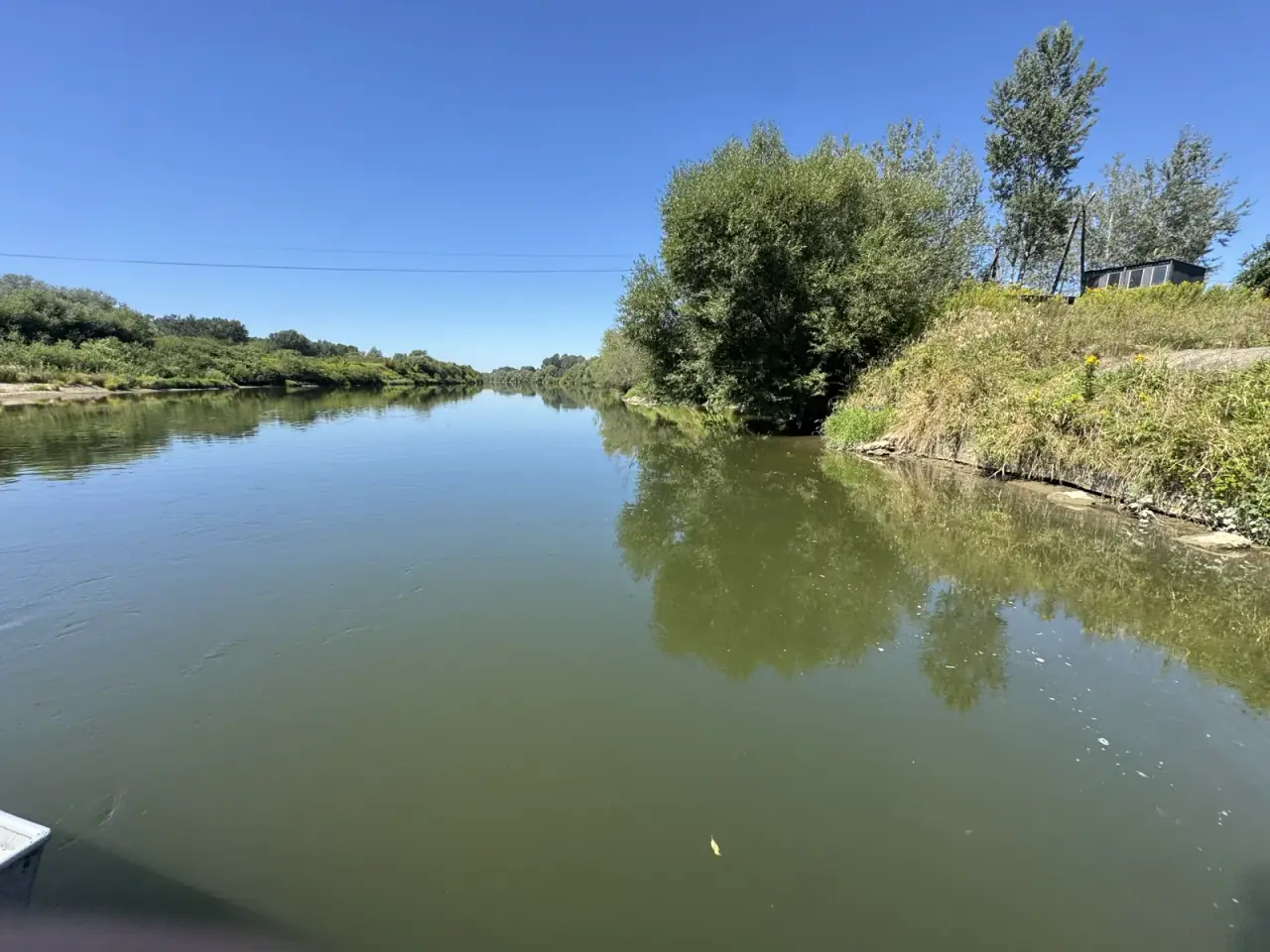

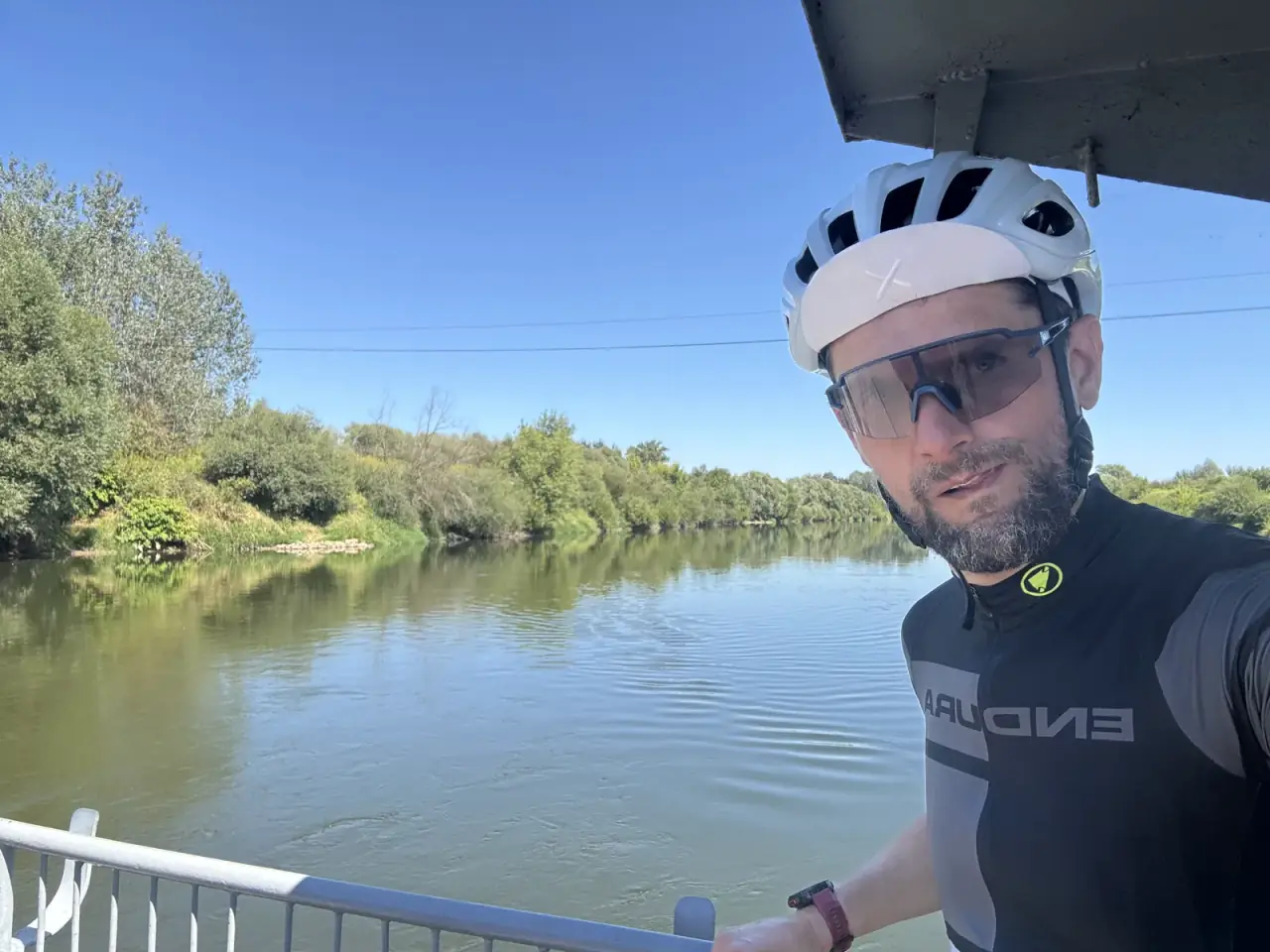
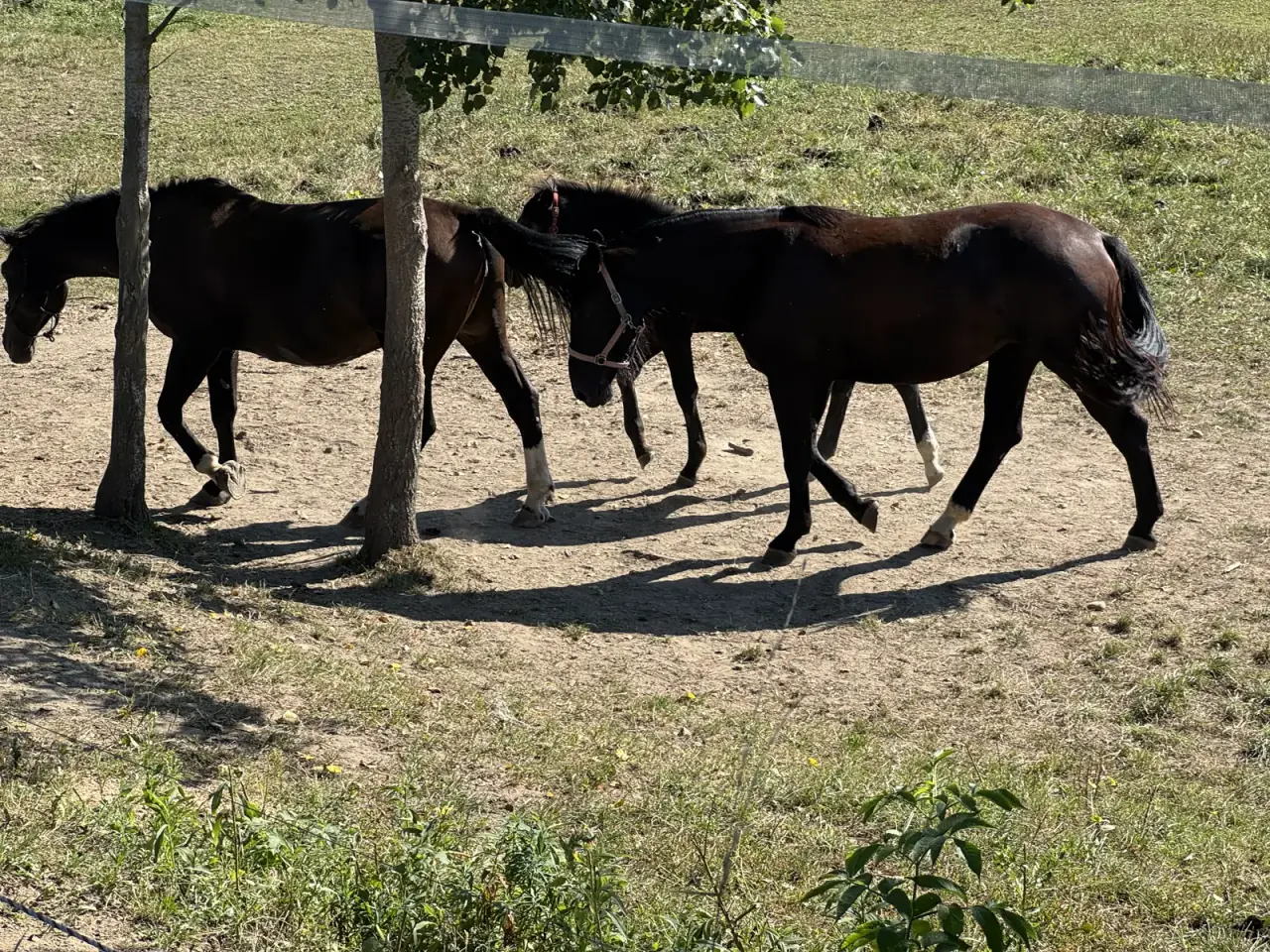
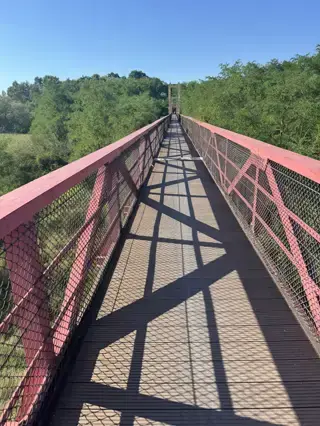
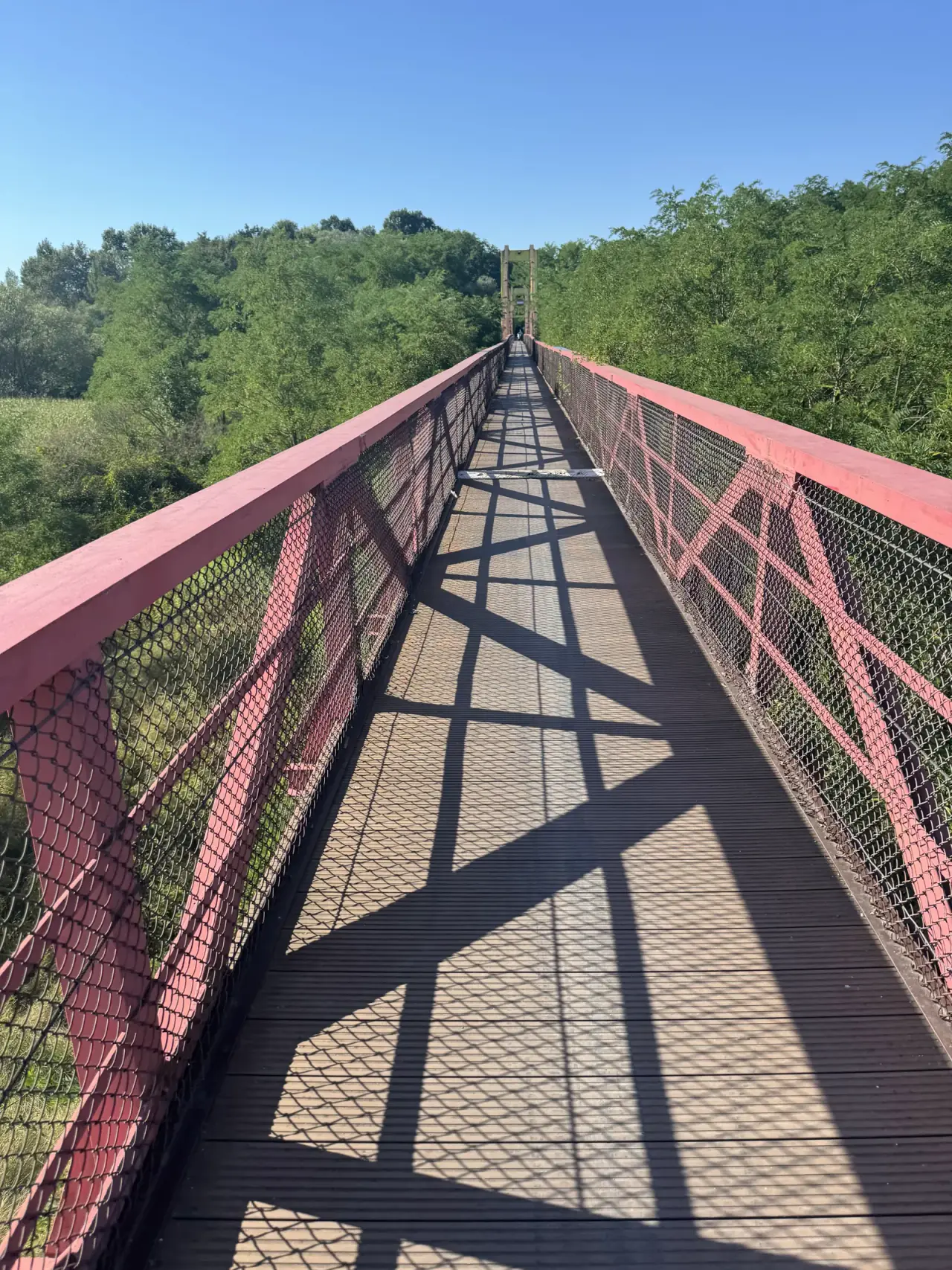
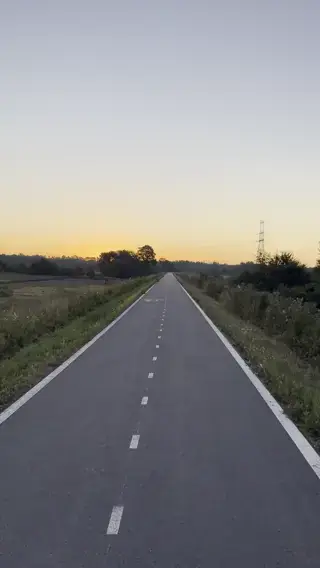

The ride itself left me with a list of lessons: a bike fit that made my knees complain after 170 km, a first 100 km ridden too hard, and a 4:48 start that should have been 2:30. At one point my chain started squeaking and, with no lube in my pockets, I fixed it with an energy gel. But this story is about a different mistake, the one I made with my thumb.
The incident
Somewhere mid-ride, at a stop, I hit Save instead of Resume on my Garmin Edge 840. Once an activity is saved, there is no way to reopen it on the device. The only option was to start a new recording and keep going.
Result: one ride, two FIT files sitting in the Edge's Activities folder. (Side note for Mac users: the Edge 840 mounts over MTP, so to pull files off the device I use Android File Transfer, because macOS won't show it in Finder on its own.)
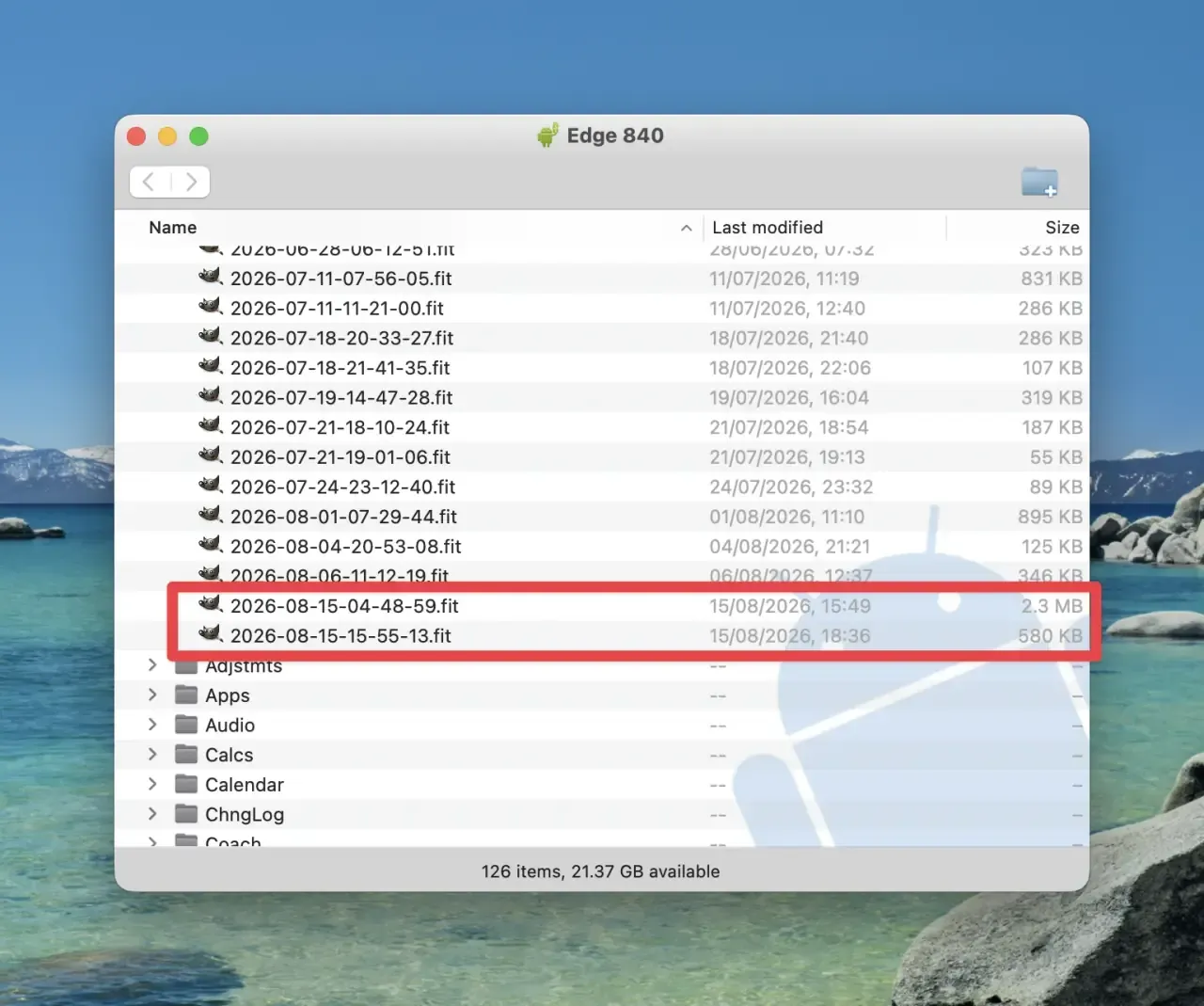
A quick look at both files in FIT File Viewer, a great free tool for peeking inside FIT files, laps, sessions and all, showed the damage: part one held 237.5 km of the ride, part two the remaining 45.7 km.
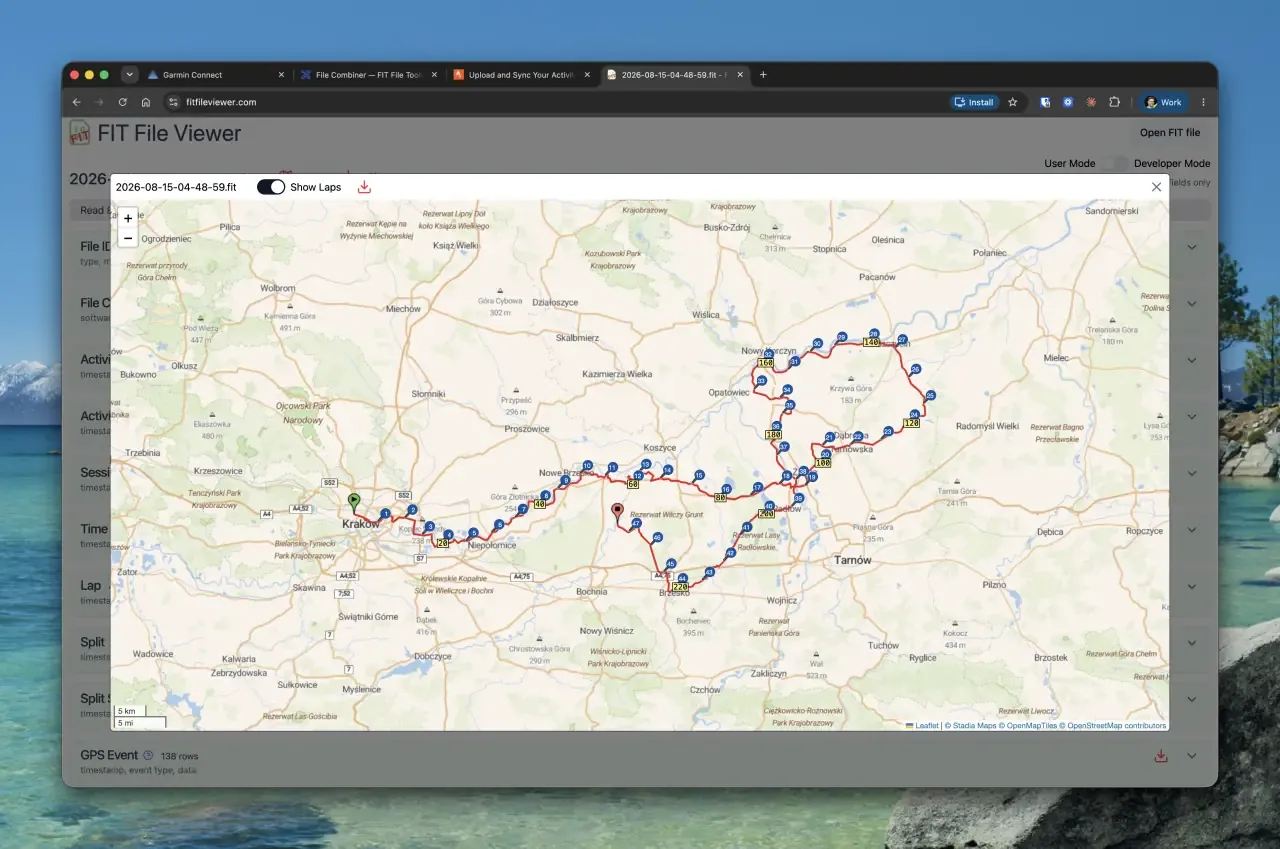
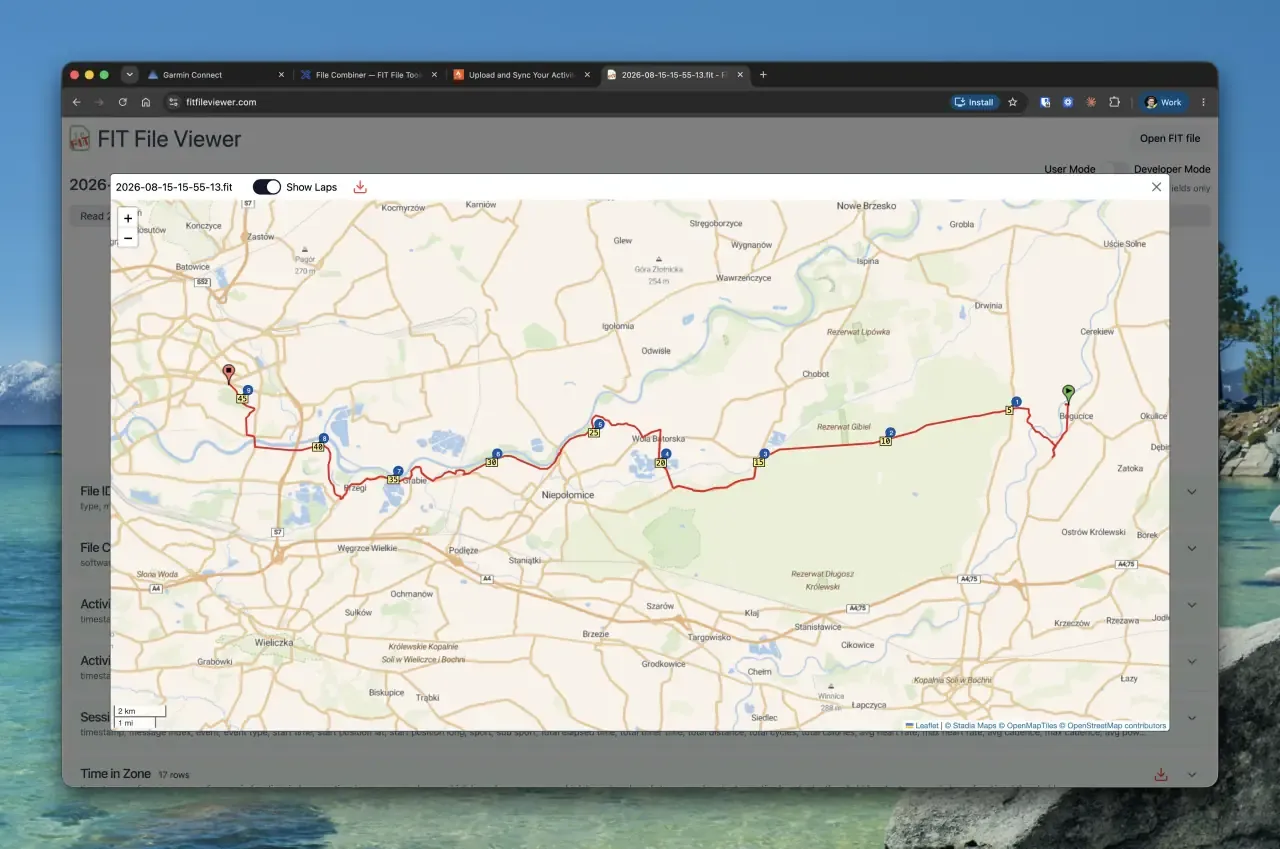
Two separate activities in Garmin Connect meant broken totals, a split personal record, and no single map of the whole route. I wanted my longest ride to look like what it was: one ride.
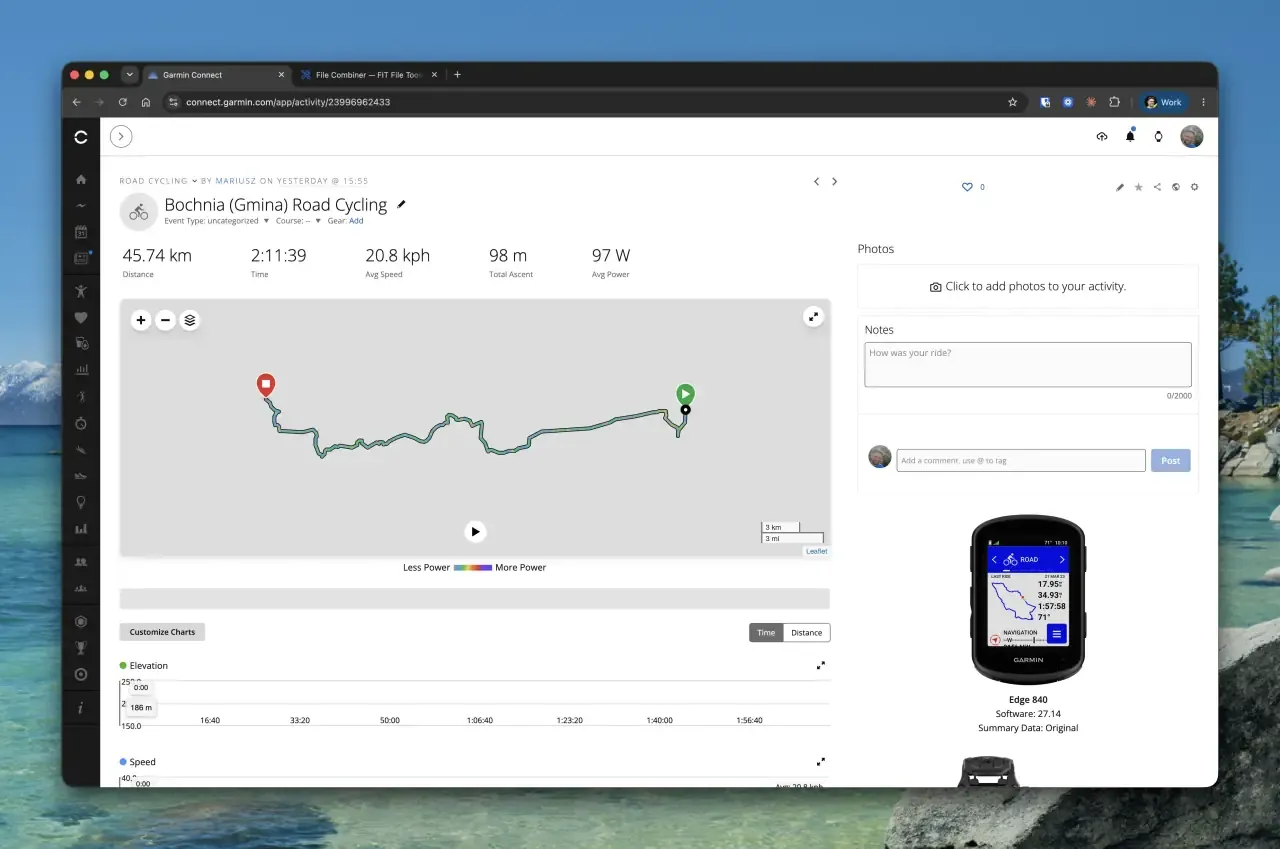
First attempt: the online combiner
The go-to answer on every forum is the free Combiner at fitfiletools.com. I uploaded both files and it cheerfully reported "Files Combined!". Then Garmin Connect refused to import the result.
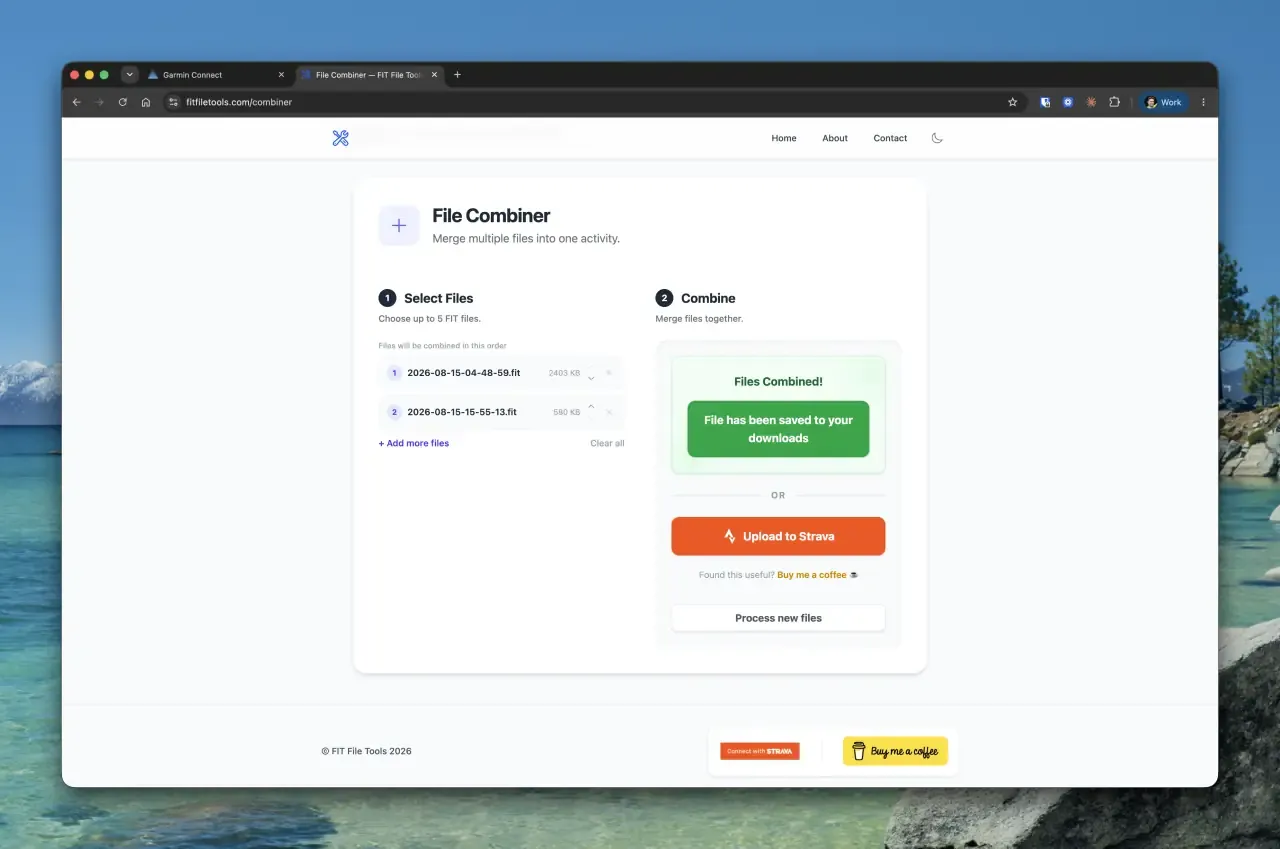
Strava was no way out either: its duplicate detection flagged the file against the already-synced first half of the ride.

To be fair to a genuinely useful free tool: simple cases work. But a modern Edge activity file is not a simple case. Each file carries its own session and activity summaries, its own lap numbering, its own timer events, HRV logs, cycling dynamics, and a distance channel that restarts at zero in the second file. Concatenating two of those produces a file with two sessions, two activity ends, and a distance that collapses mid-ride. That is exactly the kind of file Garmin Connect's importer rejects.
Building fit-stitch
So I did what engineers do instead of riding another 283 km: I wrote a proper tool, fit-stitch.
A FIT file is a binary stream of typed messages: GPS/power/heart-rate records at 1 Hz, laps, events (timer starts and stops, even gear changes), one session summary and one activity footer, all wrapped in a header and CRC. Merging two of them correctly means:
- Keep every record from both files (GPS, heart rate, cadence, power, temperature, cycling dynamics, HRV, even Garmin's undocumented messages) with original timestamps untouched. The break between the files stays what it was: a pause.
- Re-offset distance so the second file continues at 237,503.22 m instead of restarting at zero (same for accumulated power).
- Renumber laps across the boundary and drop both files' session/activity structures.
- Rebuild one session: sums for totals, time-weighted means for averages, and Normalized Power recomputed from the merged 1 Hz power stream. You can't average two NP values any more than you can average two medians.
- Re-encode with a fresh header and CRC, then validate with Garmin's official FIT SDK: chronology, monotonic distance, exactly one session, and merged distance equal to the sum of both parts to the centimetre.
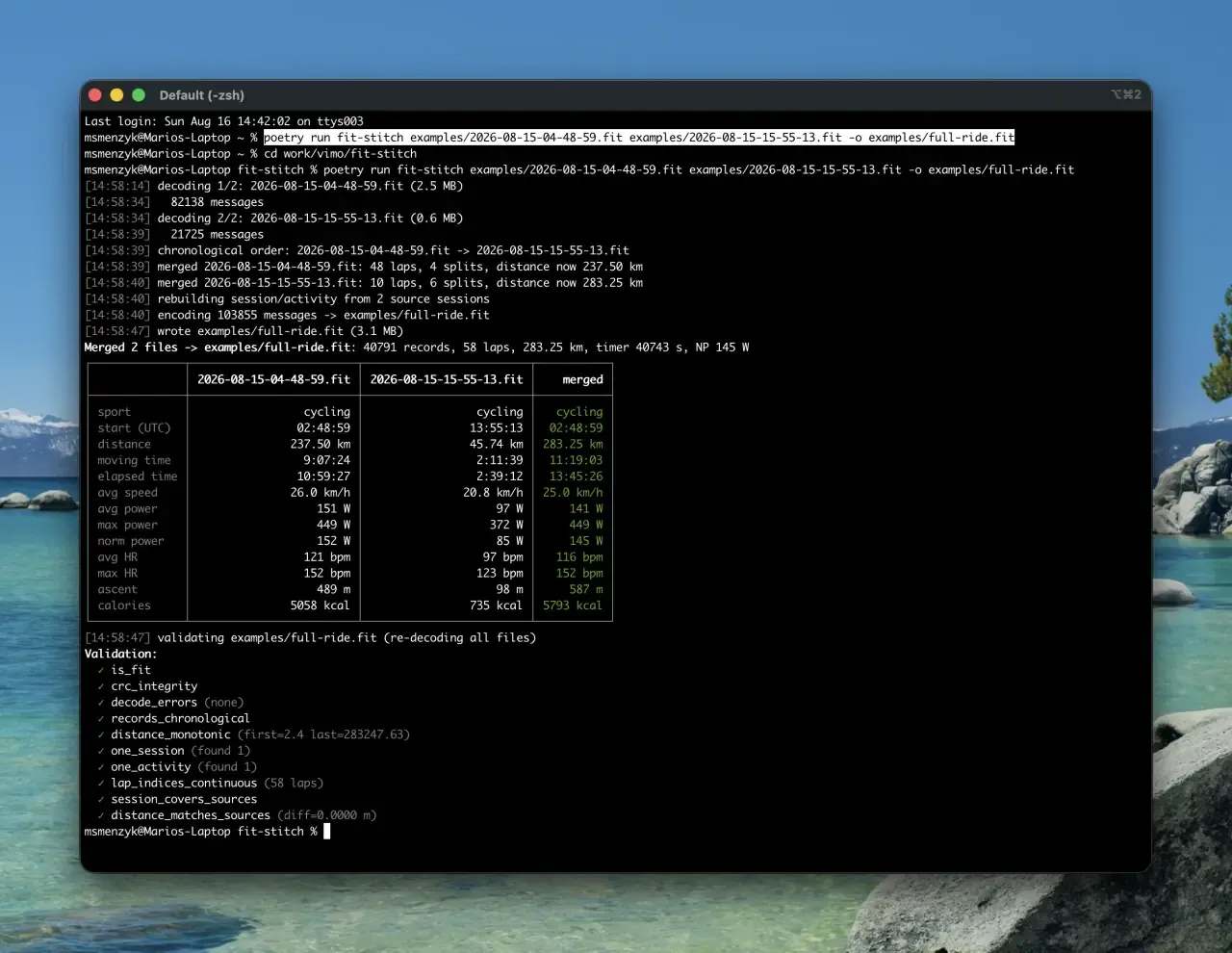
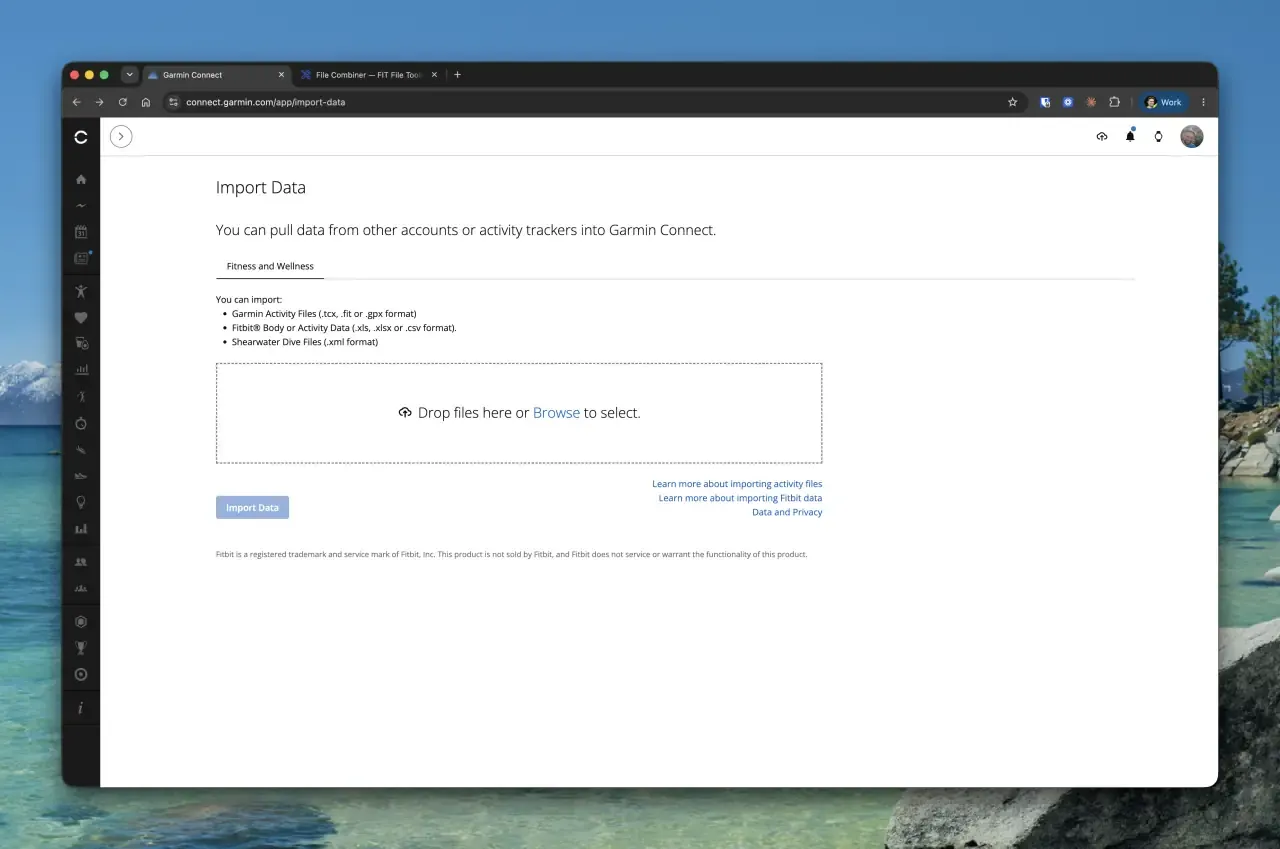
The result imported into Garmin Connect on the first try: 283.25 km as one activity, and it even brought the 100-Mile Ride badge with it.
Open source: github.com/vimoswim/fit-stitch
I released the tool as fit-stitch, MIT-licensed, the first open-source release under the Vimo Swim org:
pipx install git+https://github.com/vimoswim/fit-stitch.git

fit-stitch ride-part1.fit ride-part2.fit -o full-ride.fit
We are aware this is a tool for the more technical crowd: it lives in the terminal and needs Python. If there is enough interest, we may build a browser version one day, so let us know. In the meantime, it merges any number of split files, validates its own output with the official Garmin FIT SDK, and can emit a TCX fallback. And although it was born from a bike ride, it is fully sport-agnostic: we can do exactly the same with swim workouts. A swim session split by an accidental save at the pool wall, or a run cut in two by a dead battery, is the same problem with the same fix. Given how much of our engineering at Vimo Swim lives inside Garmin's ecosystem (data fields, watch faces, swim sensors), a FIT-level tool felt right at home here.
This release is also a statement of direction. At Vimo Swim we want to share more of the tools we build around sports data analysis; that is our path. This time it happened to be a road ride, but we are deeply embedded in the Garmin and ANT+ ecosystem, and there will be more articles and tools like this one.
The full route is on Strava. The 300+ km attempt is still on the list, this time with a better bike fit, an earlier alarm, and a small bottle of chain lube.
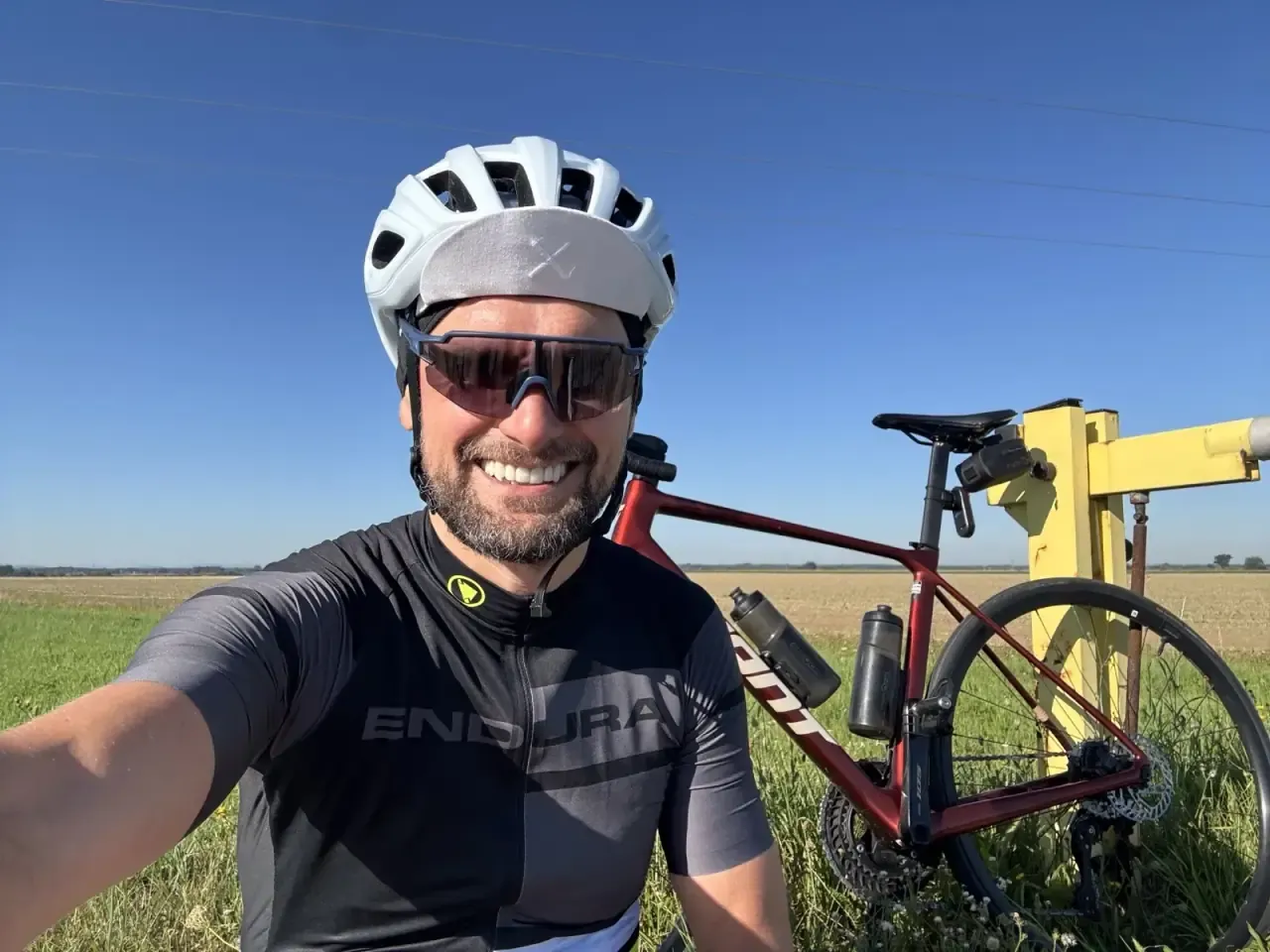
Check out Mariusz Smenżyk on Strava.
One Session to Learn Your Pace: What a New Swimming Study Found
A peer-reviewed study shows swimmers can learn a new training pace in a single metronome session - and still pace each length more accurately 10 days later, with no device. Here is what it means for your training, in plain language.
How to Create a Watch Face App for Garmin Watch
Learn how to build a custom Garmin watch face using the Connect IQ SDK and Monkey C. A step-by-step tutorial based on our BeatBuddy watch face experiment.