Free companion app for VimoSwim

Your VimoSwim, fully in hand

VimoSwim Connect pairs with your tempo trainer over Bluetooth so you can update firmware with a quick QR scan, manage your devices, sync the clock, and keep your deposit confirmations close.


Explore features
In App Store review. VimoSwim Connect has been submitted to Apple and is awaiting approval — the download goes live the moment it's accepted.
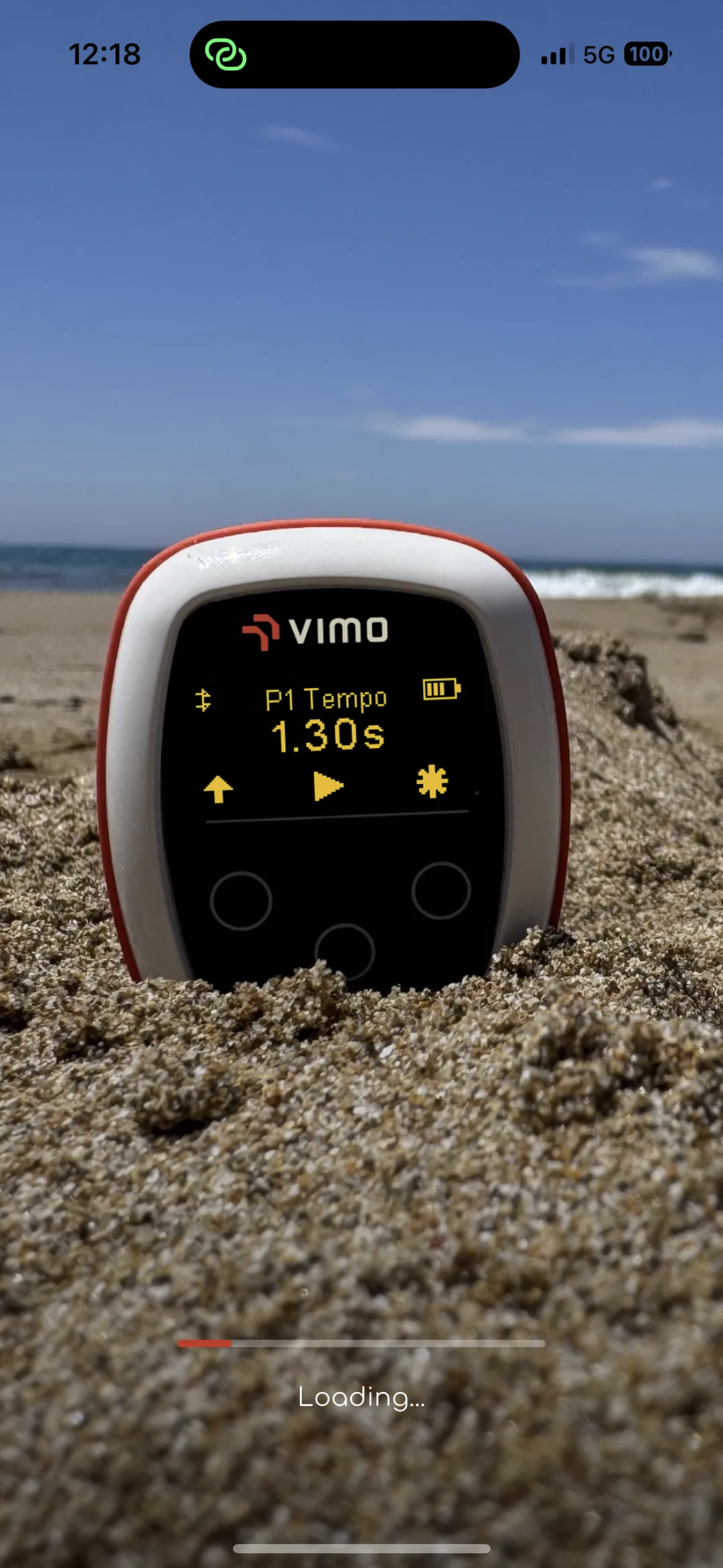
VimoSwim tempo trainer on the beach shown in the VimoSwim Connect app

Everything in one app

From first pairing to firmware updates and deposit paperwork — VimoSwim Connect keeps it all in your pocket.
Sign in your way
Create an account with email and password, or continue with Google or Apple. Link and unlink providers any time.
Bluetooth pairing
Discover and connect to your VimoSwim over Bluetooth Low Energy — fast, reliable and power-efficient.
Multiple devices
Manage more than one VimoSwim from a single app. Switch between paired devices with a tap.
QR-code firmware updates
Scan the QR code on your device to fetch the right firmware automatically — no version guessing.
Update from file
Prefer manual control? Load a .zip firmware package straight from your phone storage.
Deposit confirmations
View and download signed deposit confirmation PDFs for your devices, right from the app.
Device clock sync
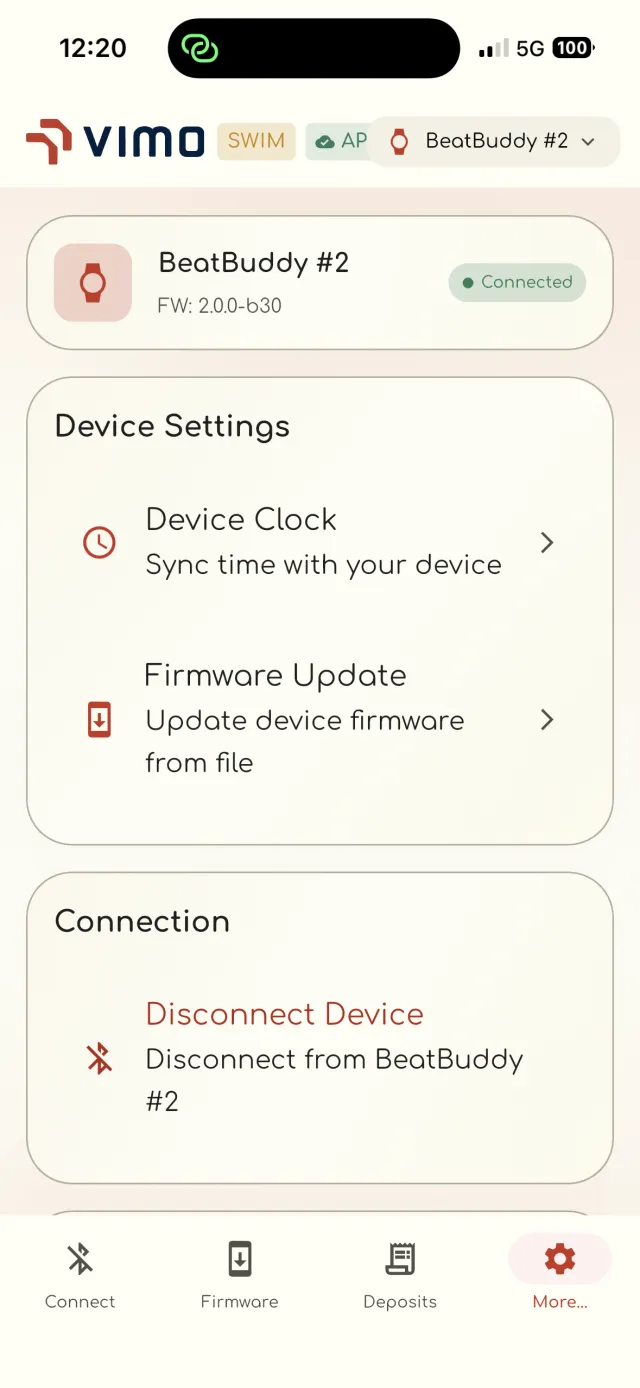
Keep your VimoSwim on the correct time by syncing it with your phone in one tap.
Device diagnostics
Inspect firmware version, hardware revision, battery level, uptime and memory at a glance.
Accounts

One account, any sign-in

Use email and password, Google or Apple — whatever suits you. Manage connected providers and change your password from the Account screen, all backed by secure authentication.
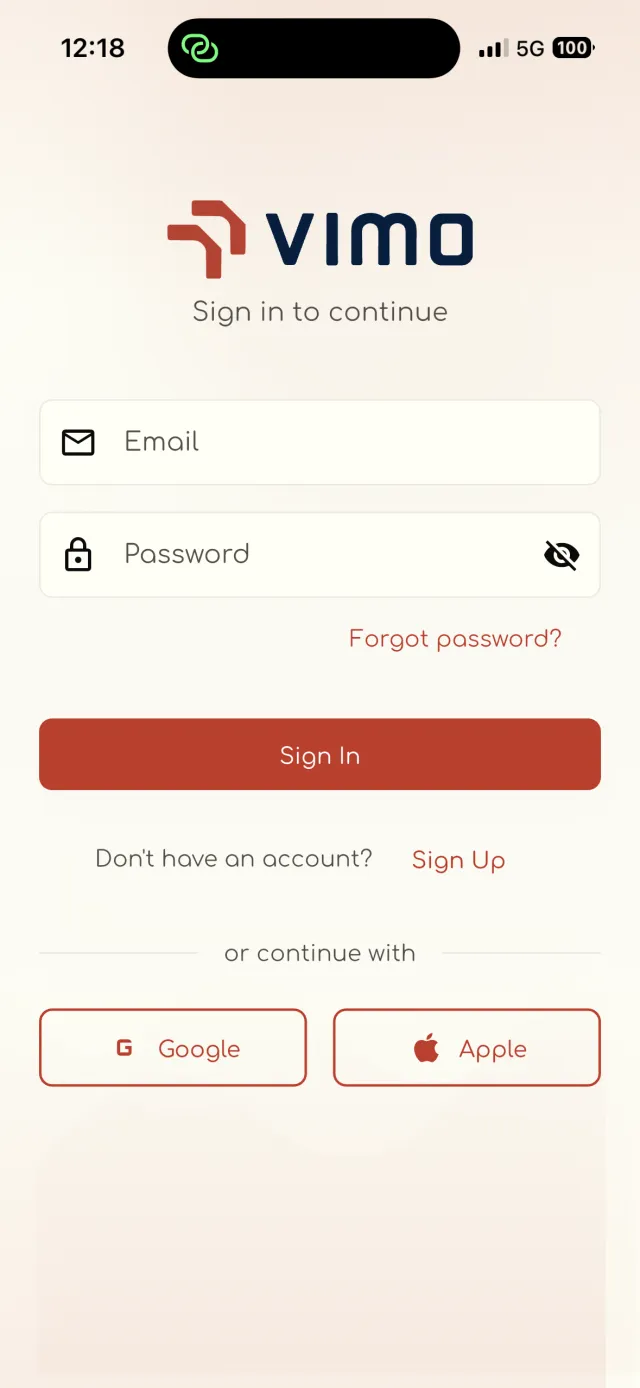
VimoSwim Connect sign-in screen with email, Google and Apple options
Connect

Pair over Bluetooth in seconds

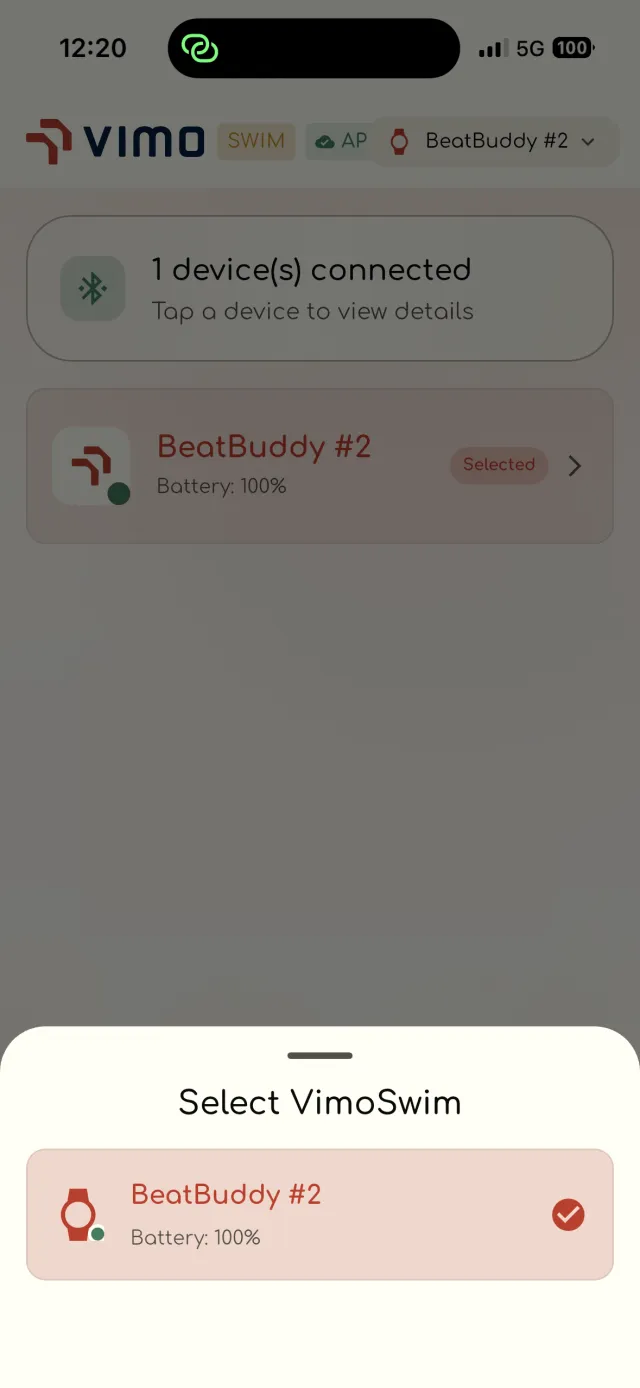
Scan for nearby VimoSwim devices and connect instantly. Running more than one? Pick the device you want from a simple list and see its battery level before you connect.
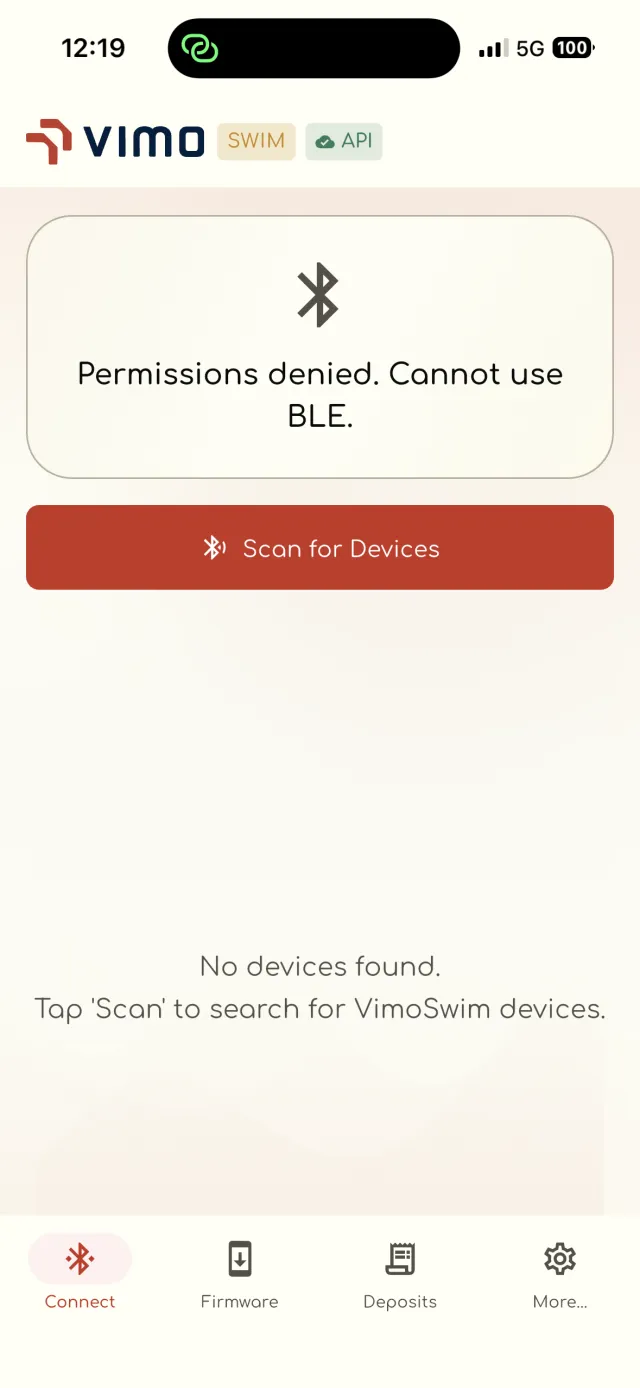
VimoSwim Connect Bluetooth device scanning screen
Firmware

Update firmware with a quick scan

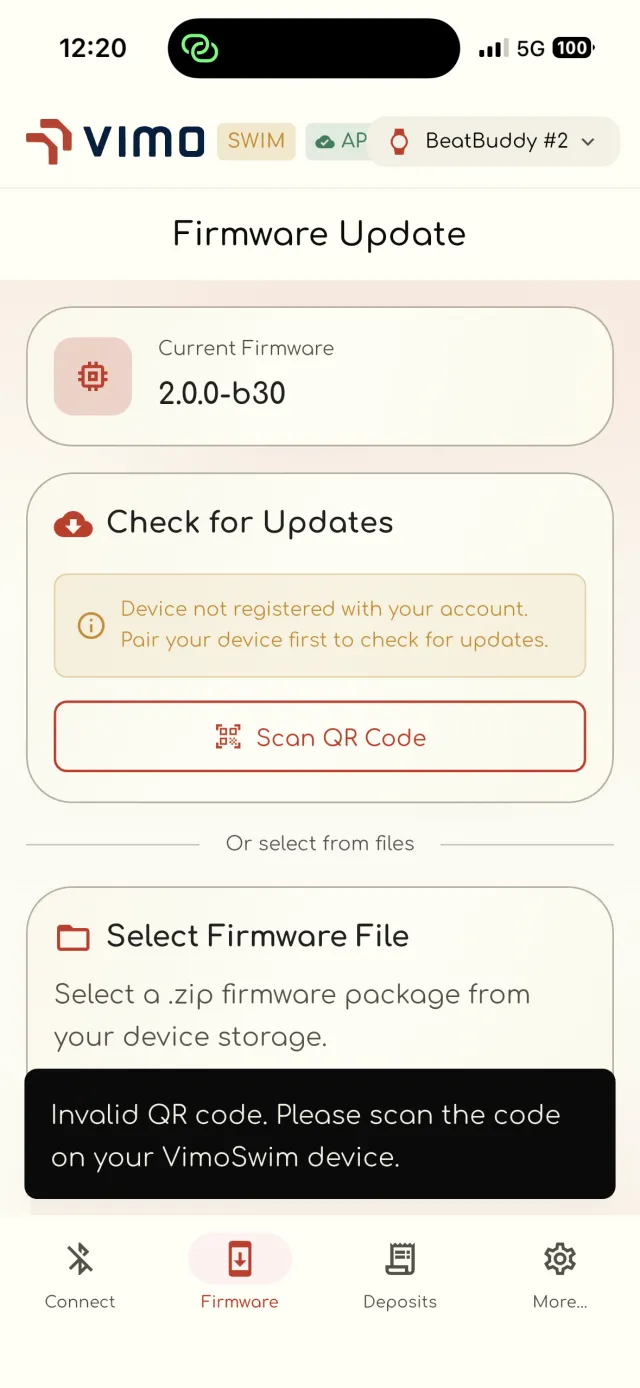
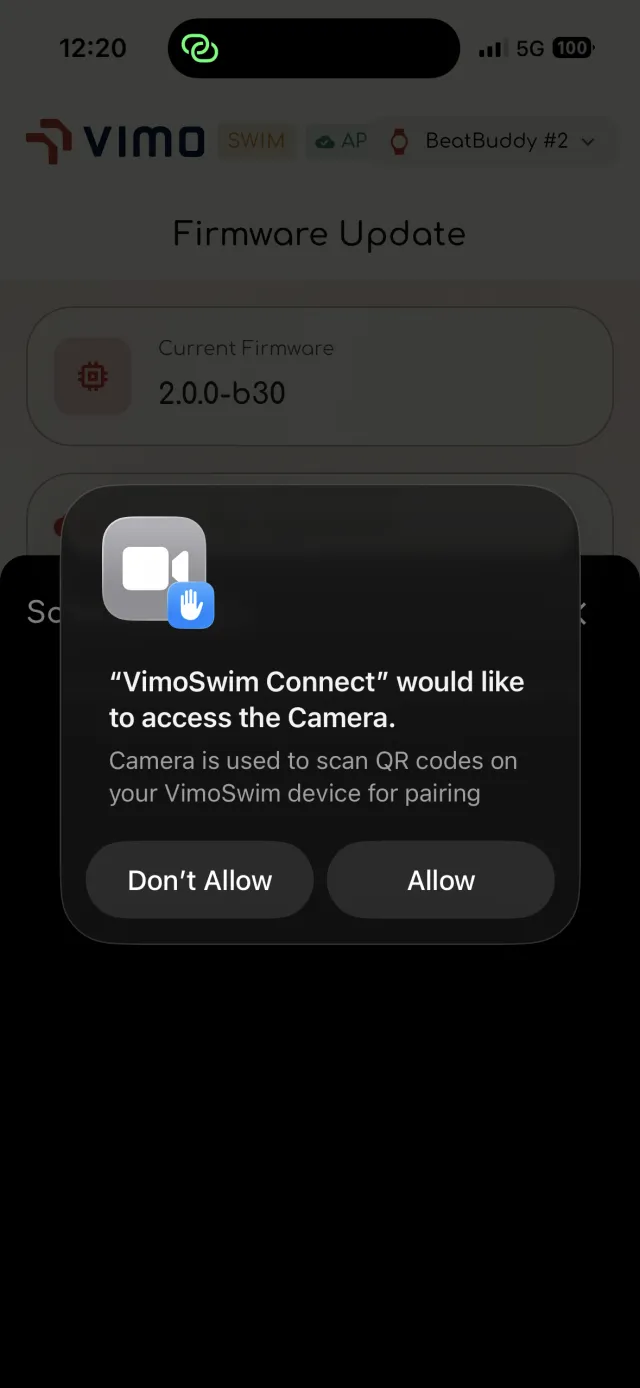
Point your camera at the QR code on the back of your VimoSwim and the app fetches the matching firmware. Or browse for a .zip package on your phone to install it manually.
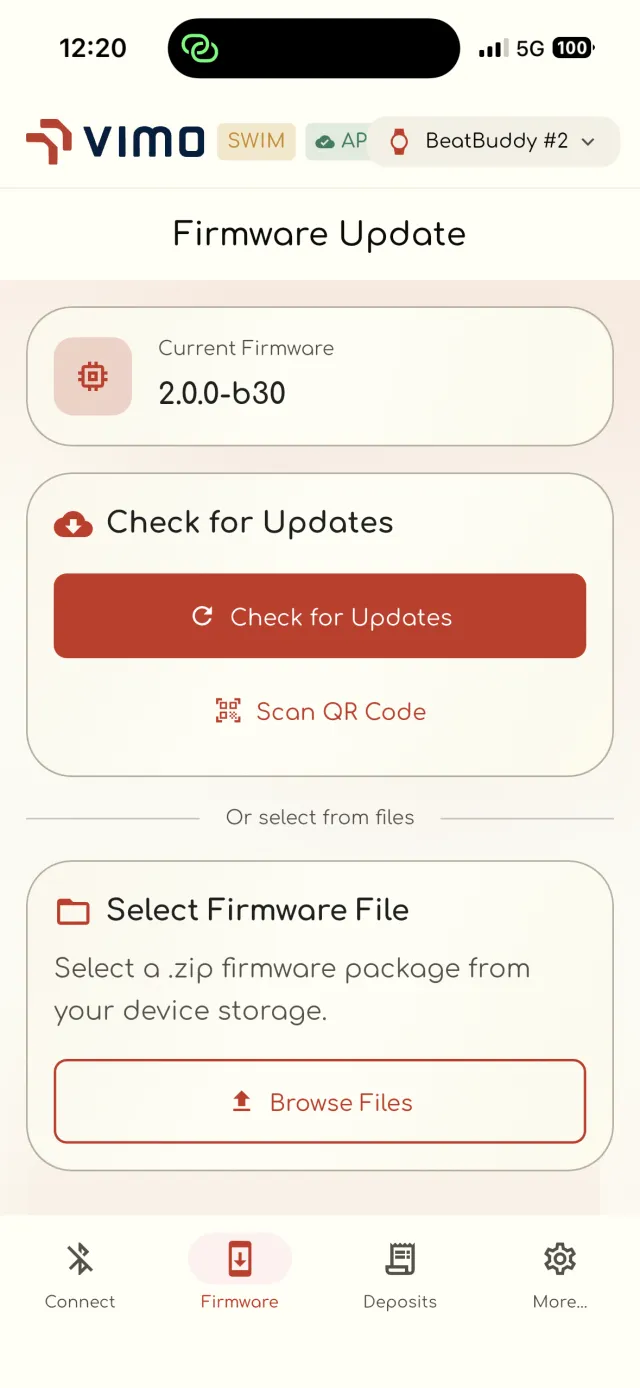
VimoSwim Connect firmware update screen with QR scan and file options
Diagnostics

Know exactly what your device is doing

Open the device details to see firmware version, hardware revision, build date, battery voltage, uptime and free memory — everything you need to troubleshoot at a glance.
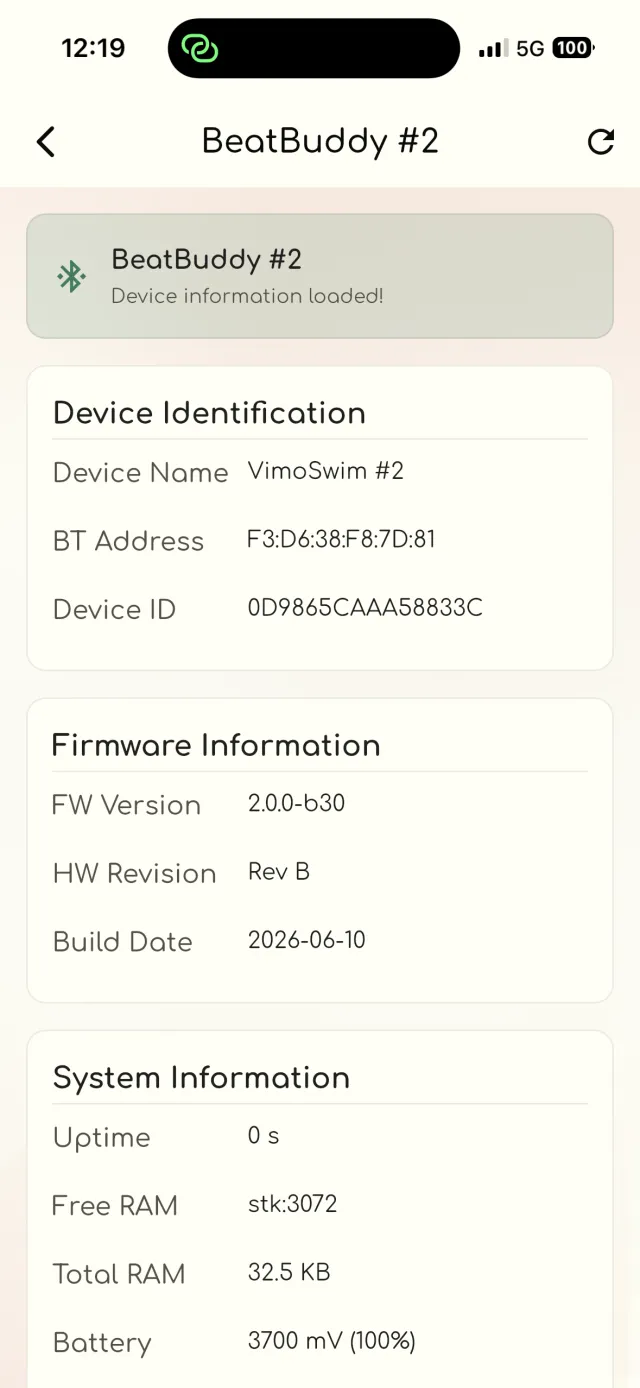
VimoSwim Connect device information screen showing firmware and battery details
Deposits

Signed deposit confirmations, on demand

Keep proof of your device deposits in your pocket. Browse confirmations by date and place, and download the signed PDF whenever you need it.
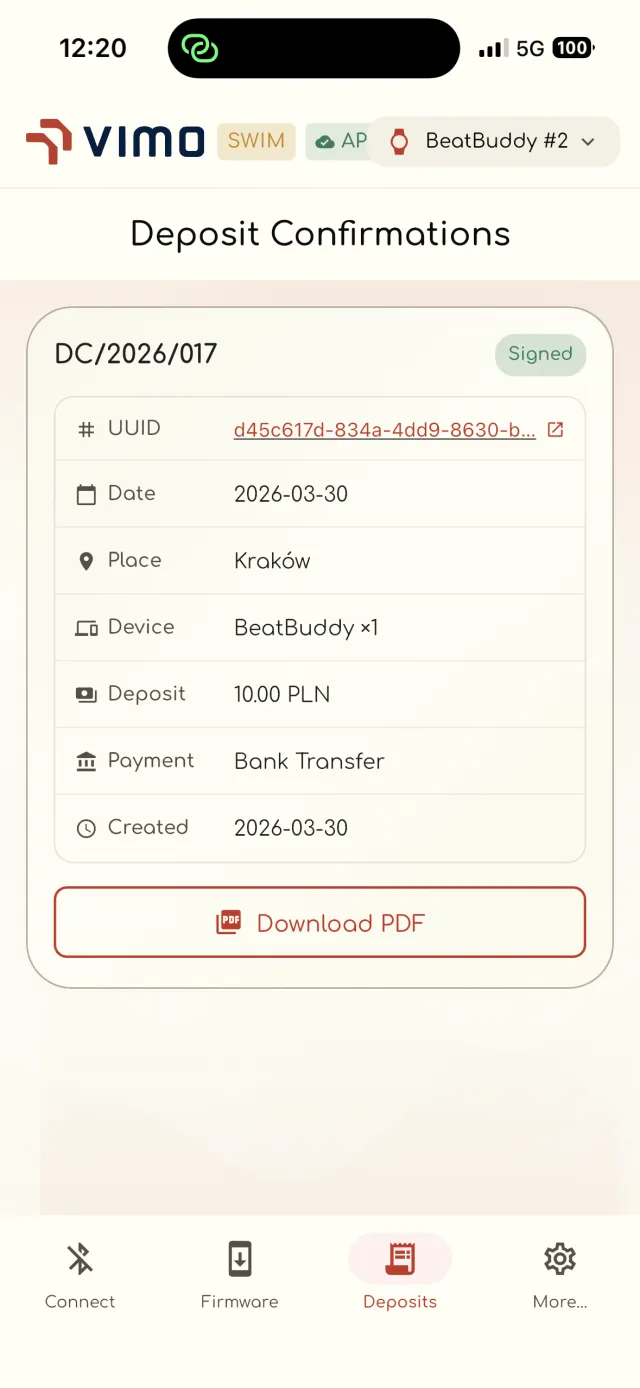
VimoSwim Connect deposit confirmation screen with downloadable PDF

Up and running in minutes

Four simple steps from download to your first synced swim.

1

Download

Get VimoSwim Connect free from the App Store.

2

Sign in

Continue with email, Google or Apple to set up your account.

3

Pair

Scan over Bluetooth and connect to your VimoSwim.

4

Train

Update firmware, sync the clock, and start swimming.

A closer look
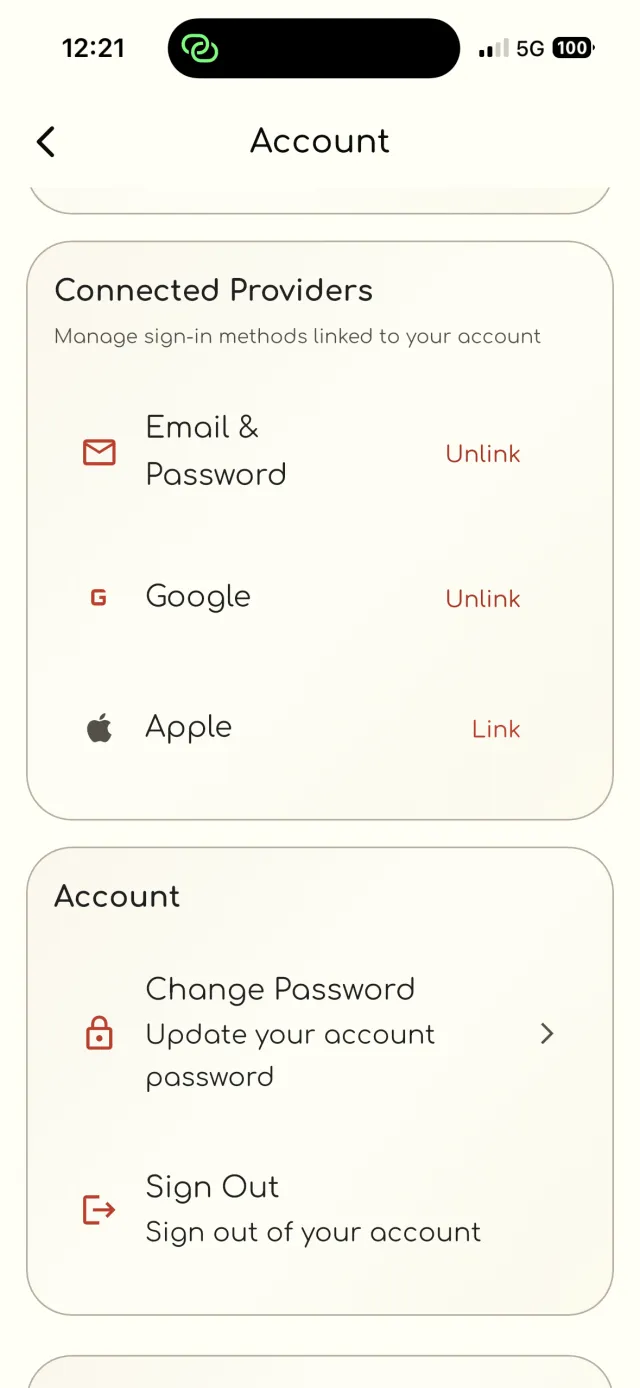
Built for swimmers and clubs who want full control of their devices.
Account screen with connected providers and sign out
Select VimoSwim device sheet with battery level
Device settings with clock sync and firmware update
Firmware update QR scan validation message
Camera permission request for QR pairing
In App Store review. VimoSwim Connect has been submitted to Apple and is awaiting approval — the download button will activate as soon as it's accepted.

Get VimoSwim Connect

Download the free app and take full control of your VimoSwim — pairing, firmware, diagnostics and deposits, all in one place.
Privacy Policy