
One Button for Your Watch and Your Vimo
The Vimo Swim data field is coming to the Connect IQ Store - and it learned to measure something new along the way: adherence, how well you actually held the beat. One button now runs your watch and your Vimo together.
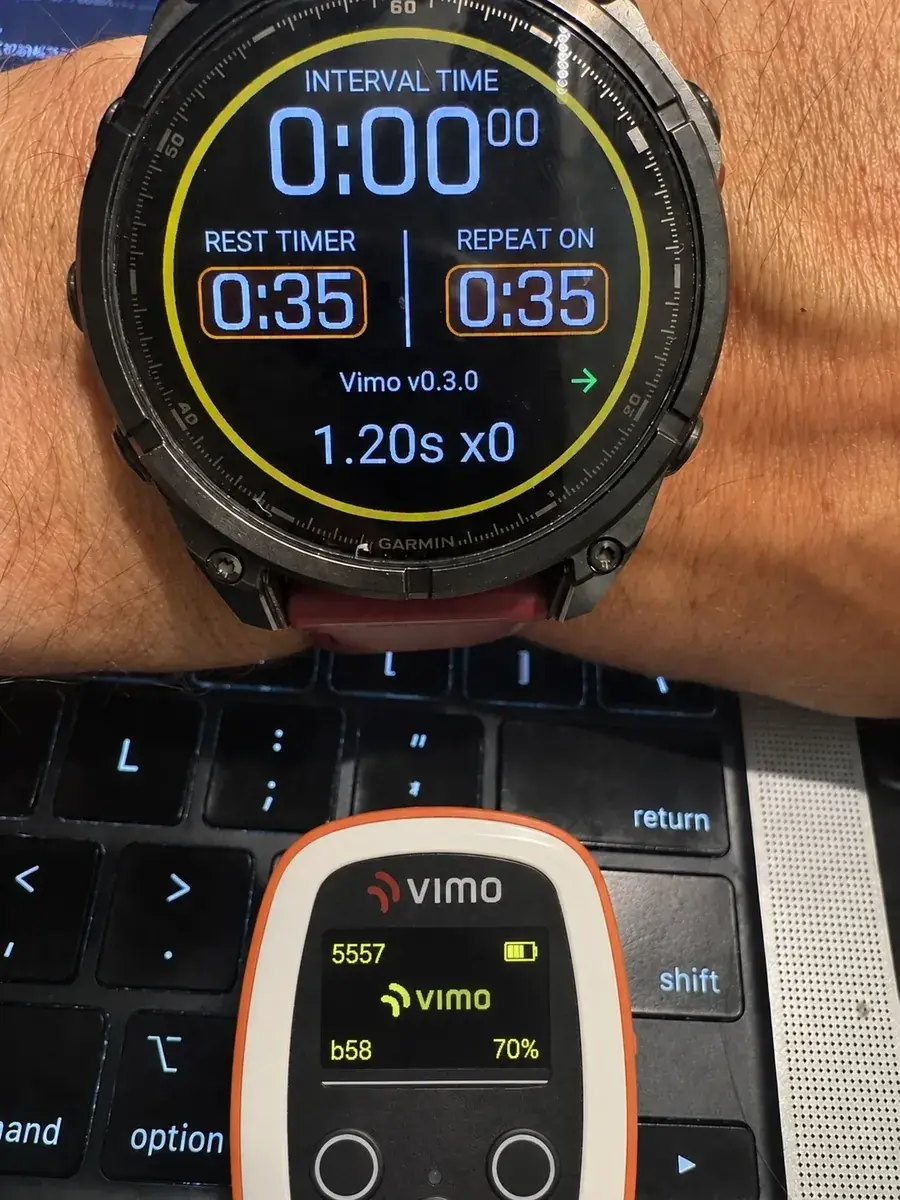
In August we showed how we got the Vimo tempo into a Garmin swim activity at all - the FIT developer fields story. Since then the data field grew up: it got a store name, a submission to the Connect IQ Store, and one genuinely new ability. This is the launch story, and the story of everything that changed.
What's new
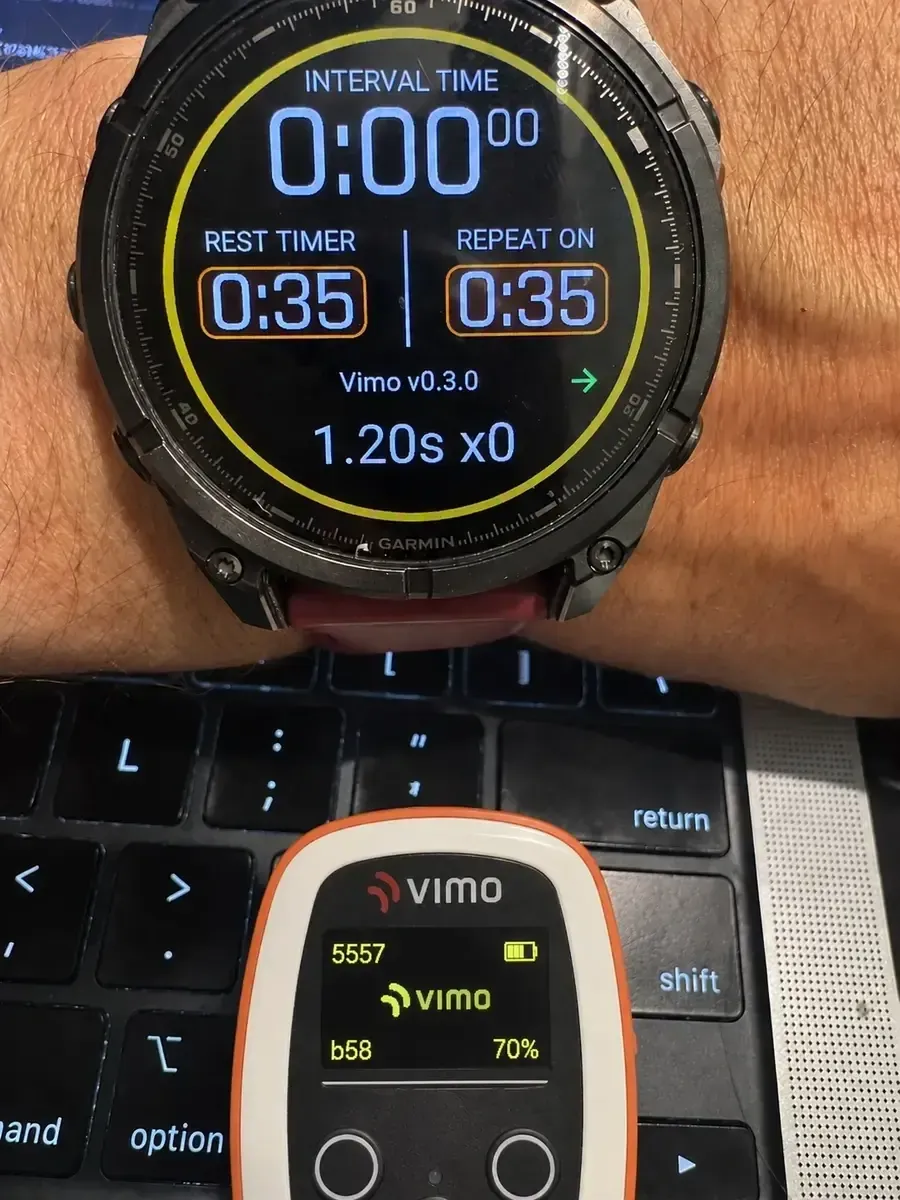
One button runs both devices. Press start on the watch and the field starts your Vimo's metronome over Bluetooth. Press stop and the beat stops. No juggling at the wall, no forgetting to start one of the two, no post-swim mystery about which device was actually running.
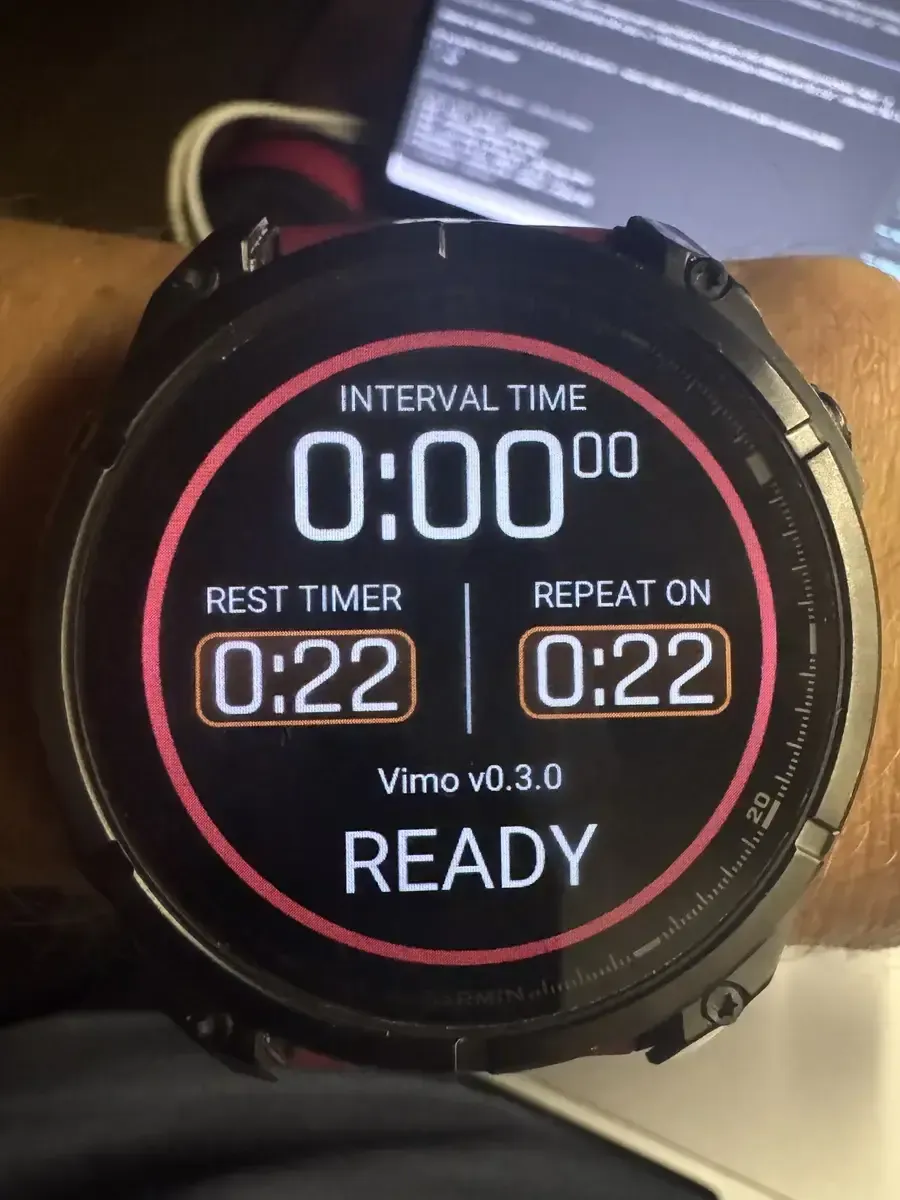
It tells you how well you held the beat. This is the part we are most excited about. Beyond recording the tempo itself, the field now compares the tempo your Vimo asked for with the stroke rate your watch measured, and records the gap - stroke by stroke, lap by lap.
Adherence: the number coaches have been asking for
Setting a tempo is easy. Holding it for the whole set is the actual training. Until now nobody could tell you, with data, how much of your swim you really spent on the beat.
The field records a metric we call adherence: the share of each lap - and of the whole session - that you swam within 10% of the target tempo. Finished a 400 at 92% adherence? You held the rhythm. See adherence collapse in the last 100 of every long set? Now you know exactly where the technique breaks down, and so does your coach.
Alongside adherence, the file carries your target stroke rate, your actual stroke rate, and the difference between them - ahead or behind - for every second of the swim.
Every number we write, and why
Nine developer fields go into the FIT file. Each one earns its place:
| Field | Recorded | What it is | Why it matters |
|---|---|---|---|
tempo | every second | The metronome interval in seconds (0 when stopped) | The ground truth of your session - the beat you were actually given, chartable next to pace |
target_spm | every second | The same beat as strokes per minute | The unit coaches think and prescribe in |
actual_spm | every second | Your real stroke rate, from the watch | What your arms did, independent of what the beeper asked |
spm_delta | every second | Actual minus target | Ahead (+) or behind (-) at a glance - the live gap to the beat |
link | every second | 1 = tempo confirmed over Bluetooth, 0 = carried from the last confirmed value | Honesty flag: you always know which samples are measured and which are assumed |
tempo_avg | every lap | Average tempo of the lap | Compare laps in a pyramid or descend set without reading the per-second trace |
adherence | every lap | Share of the lap held within 10% of target | The lap-level answer to "did I hold it?" - watch it collapse exactly where technique breaks |
adherence_pct | per session | The same, for the whole swim | One number to track across weeks: is your rhythm discipline improving? |
beats | per session | Metronome beats followed | The honest volume metric - time spent actually on the beat, not just in the water |
Built for water, honestly
Water is brutal to Bluetooth. A 2.4 GHz signal barely survives a few centimetres of it, so the link between your cap and your wrist drops on nearly every stroke. That is physics, not a bug - and we designed for it instead of pretending otherwise.
Your Vimo keeps playing regardless of the connection; the tempo was set before the set. The field carries the last confirmed tempo through the dropouts, marks it on screen with a small "~", and flags every carried sample in the data. Your trace stays smooth and readable, and it never claims more certainty than it has.
Where it fits in the Vimo family
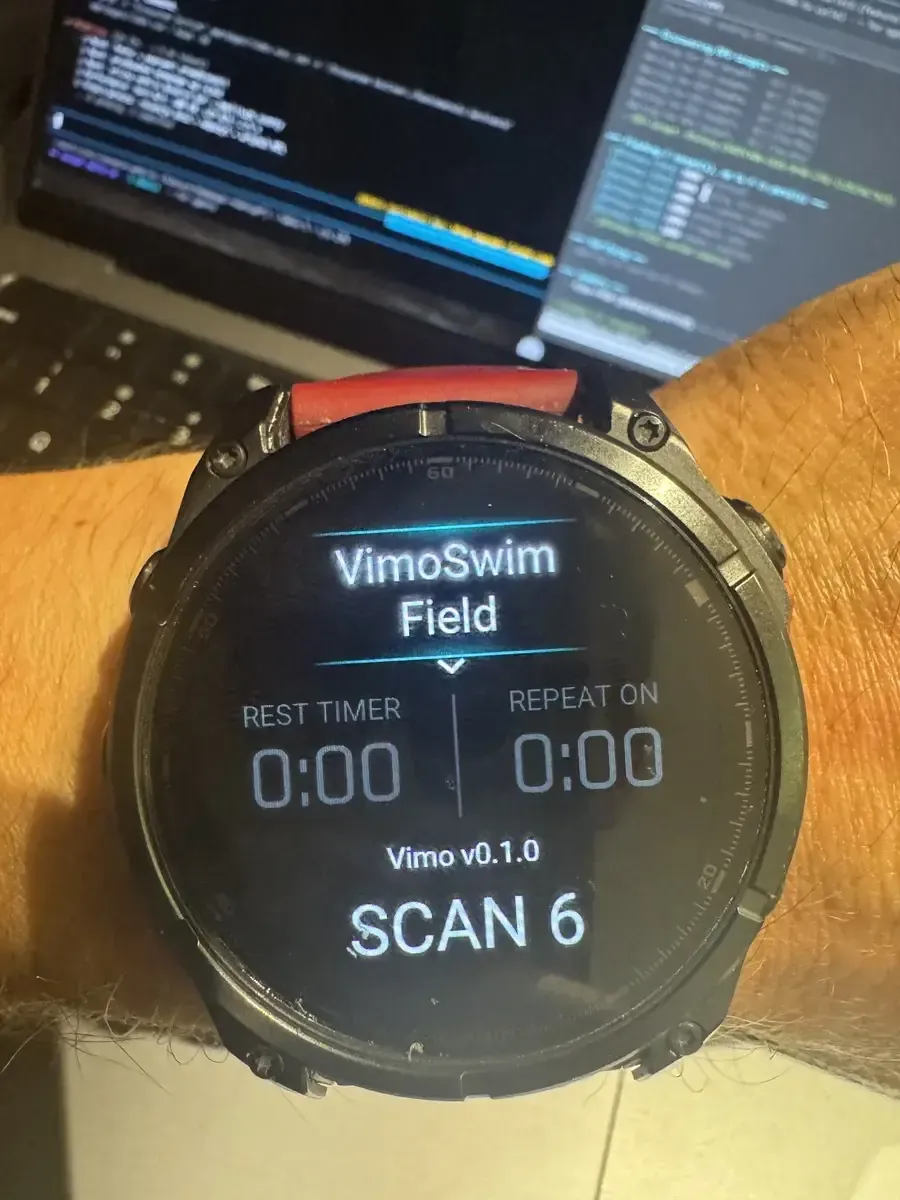
The data field is deliberately simple: it is a passenger on your normal swim activity, not another app to manage. It joins Vimo Connect (settings and firmware on your phone), Vimo Coach (one screen for a whole squad) and the device itself - each doing one job well.
It works on the Garmin fenix 7 and fenix 8 families - and thanks to shared hardware, on Enduro 2 and tactix 7 and 8 as well.
What you need
- A Vimo Swim tempo trainer (join the testing program)
- A compatible Garmin watch (fenix 7 or fenix 8 family, Enduro 2, tactix 7/8)
- The Vimo Swim data field from the Connect IQ Store - add it to a data screen of your Pool Swim profile and it does the rest
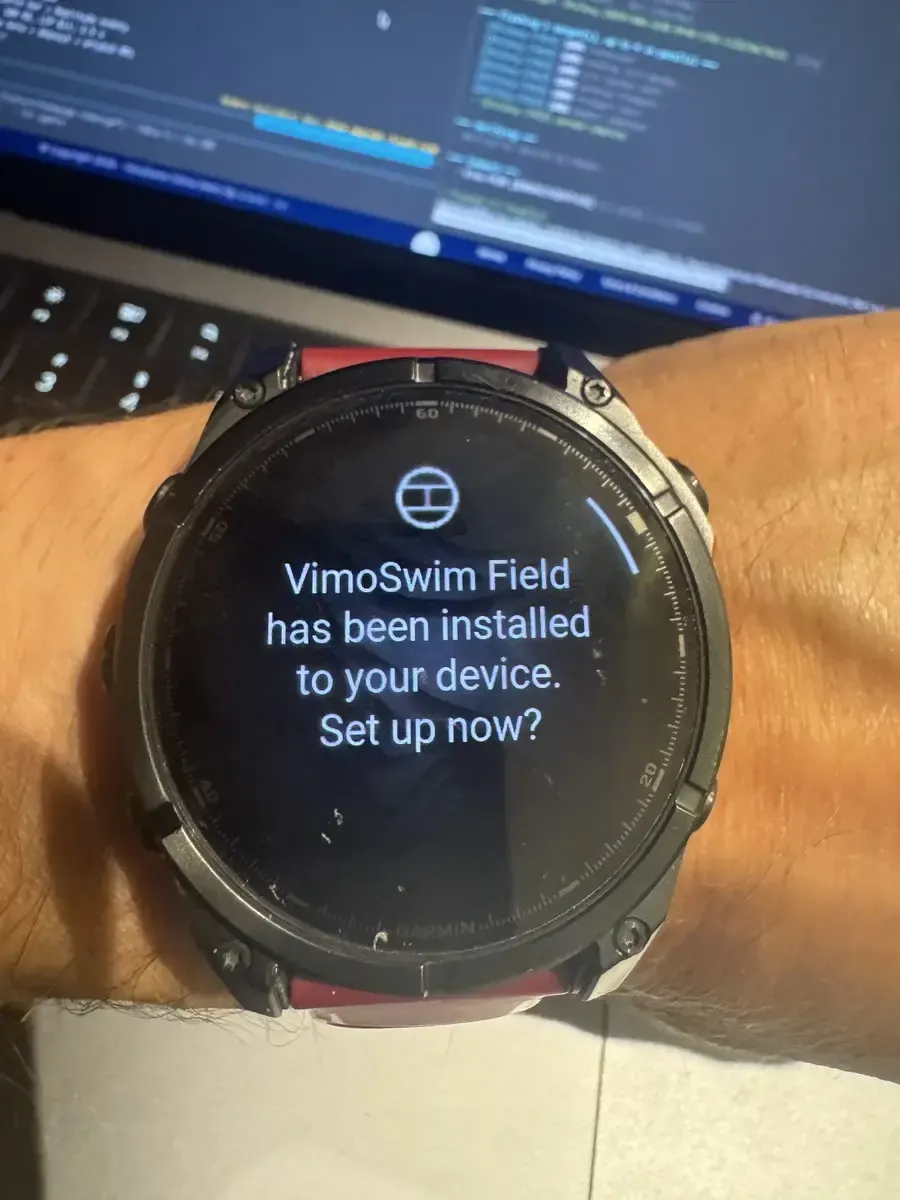
We are in the final stretch of the store review. As soon as the listing is live we will add the direct link here.
What World Aquatics Is, and Why a Tempo Trainer Cannot Race With You
World Aquatics decides what a swimmer may wear in a race. Thirteen devices are on its approved list, and no tempo trainer from any brand is among them. Here is who writes that rule, what it says word for word, and why it makes sense.
Kaszuby, August 2026: Another Real Group Test of the Vimo Tempo Trainer
Three years of building, three lakes, and a device on every swimmer. What the August Kaszuby camp taught me about the Vimo tempo trainer, from a display that was too dark in bright sun to a feature I never planned.