
Your tempo, on your wrist
Vimo Swim for Garmin puts your tempo trainer under your Fenix buttons. Pair once, then start, stop and fine-tune the beep in 0.05 s steps — mid-swim, without touching the device or your phone.
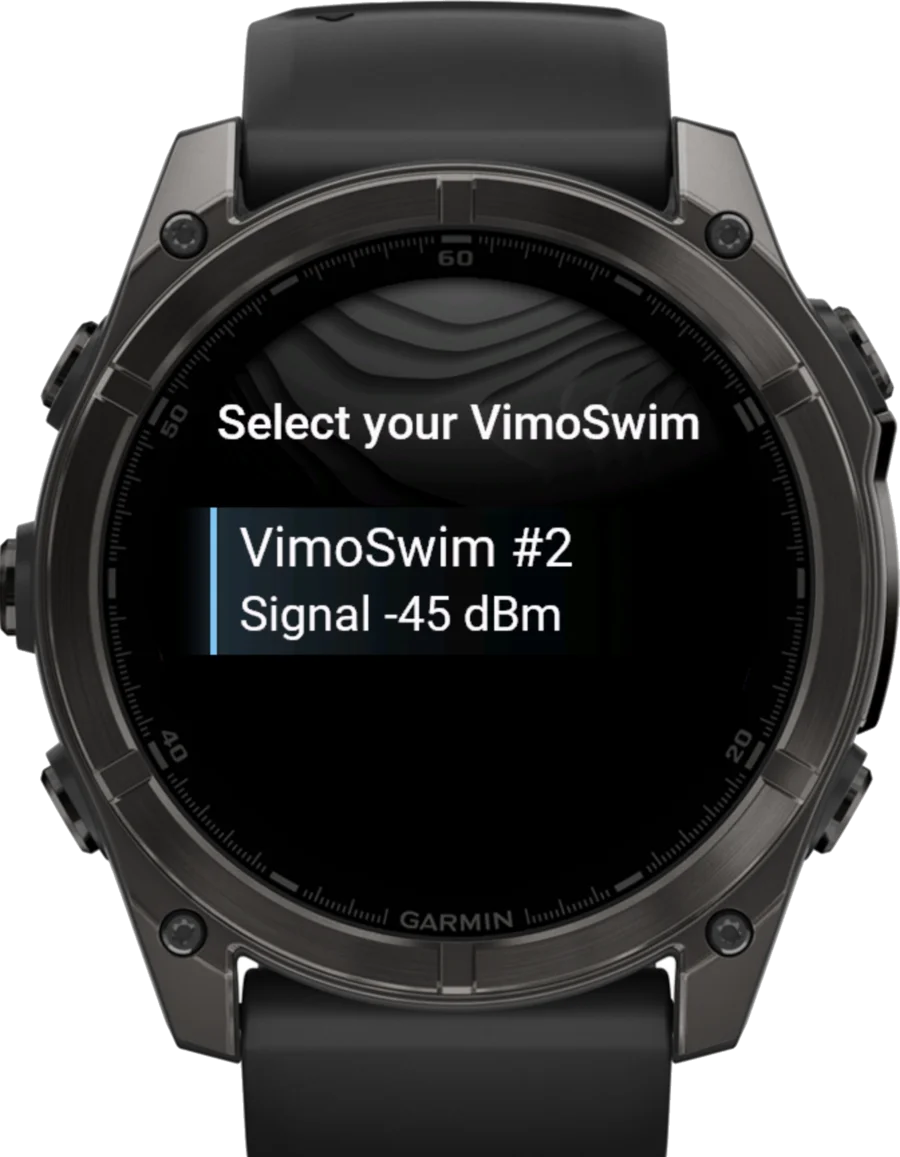
Your trainer, under your buttons
Open the app and go
The app boots straight into your last session — Vimo logo, a quick "Starting…", and it's already looking for your trainer.
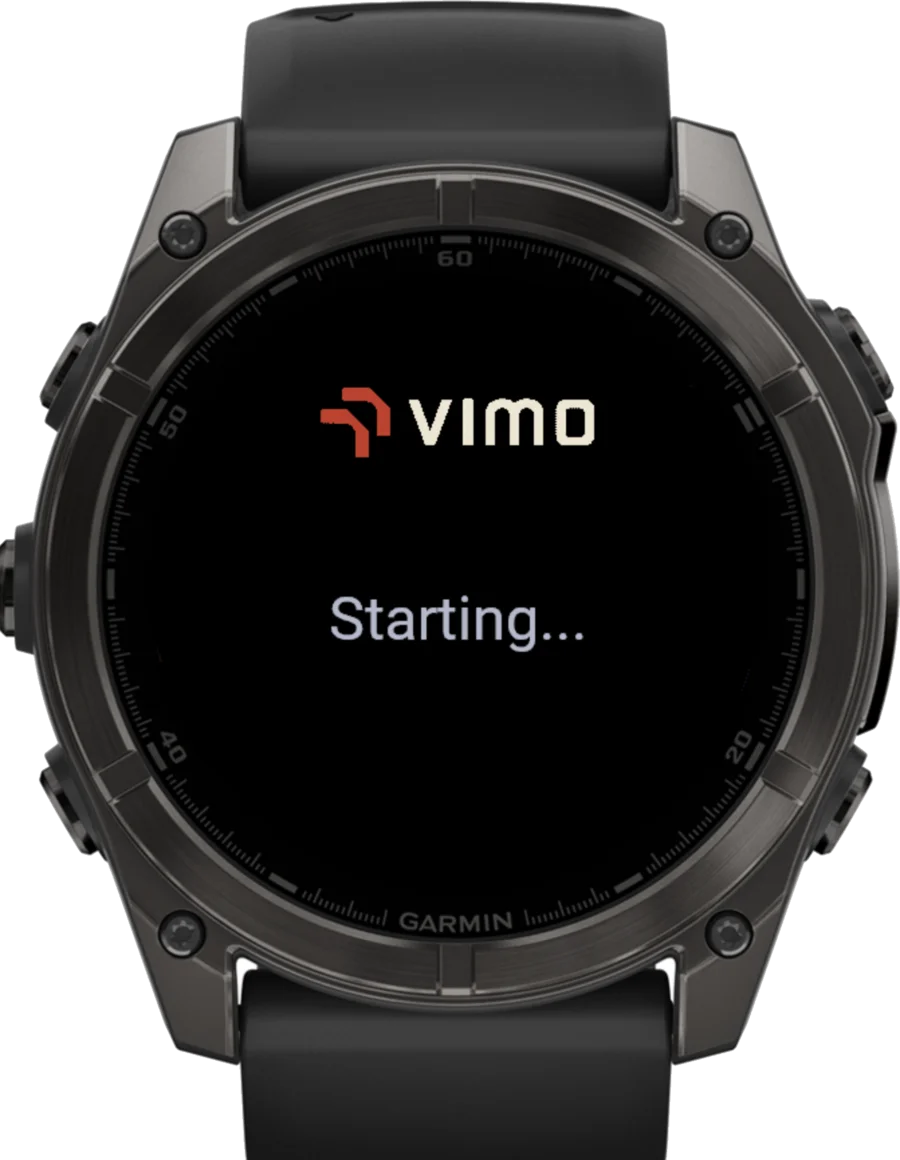
Connected before you push off
After the one-time pairing, the watch finds your remembered Vimo Swim and connects silently — by the time you're at the wall, it's ready.
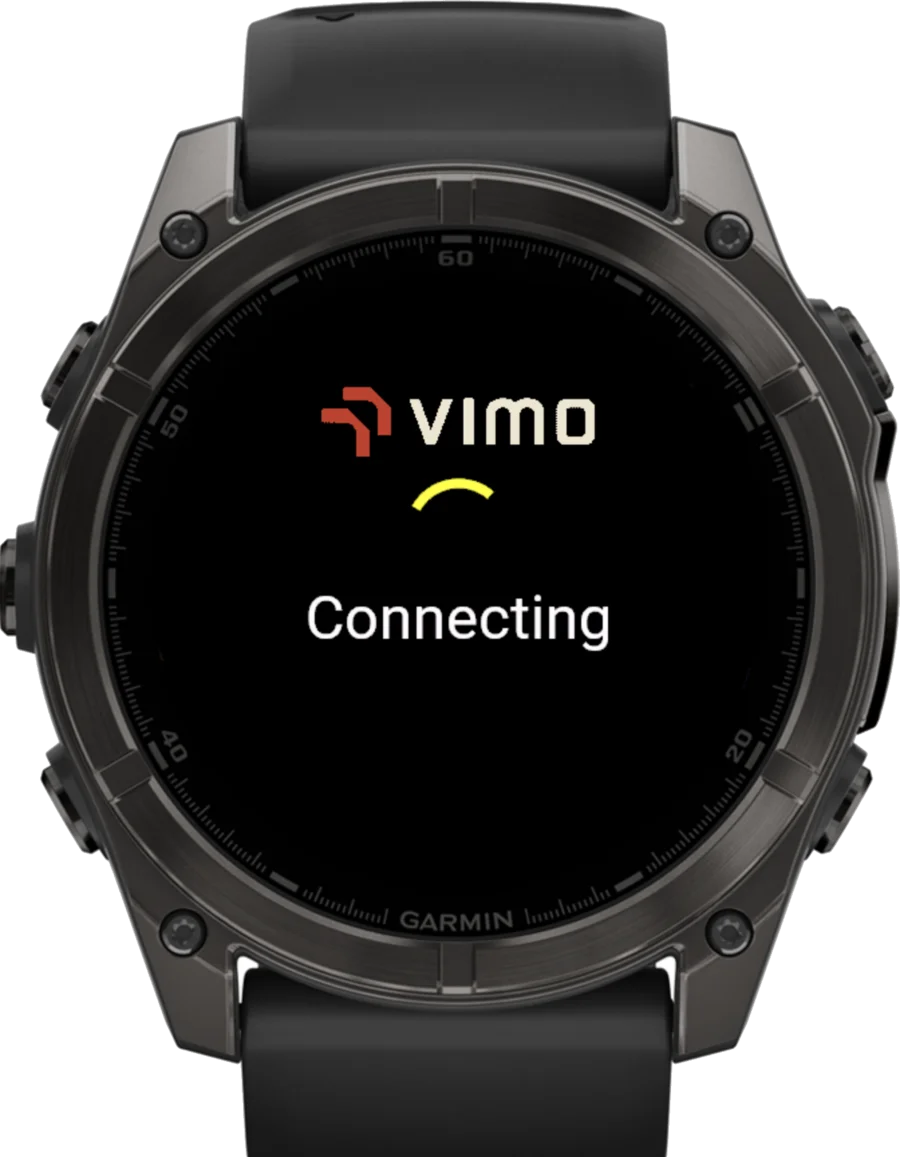
Clear hints, never a dead end
Searching, reconnecting, timeouts — every state gets a plain-language hint on screen, like "Make sure the trainer is on", so you always know what to do next.
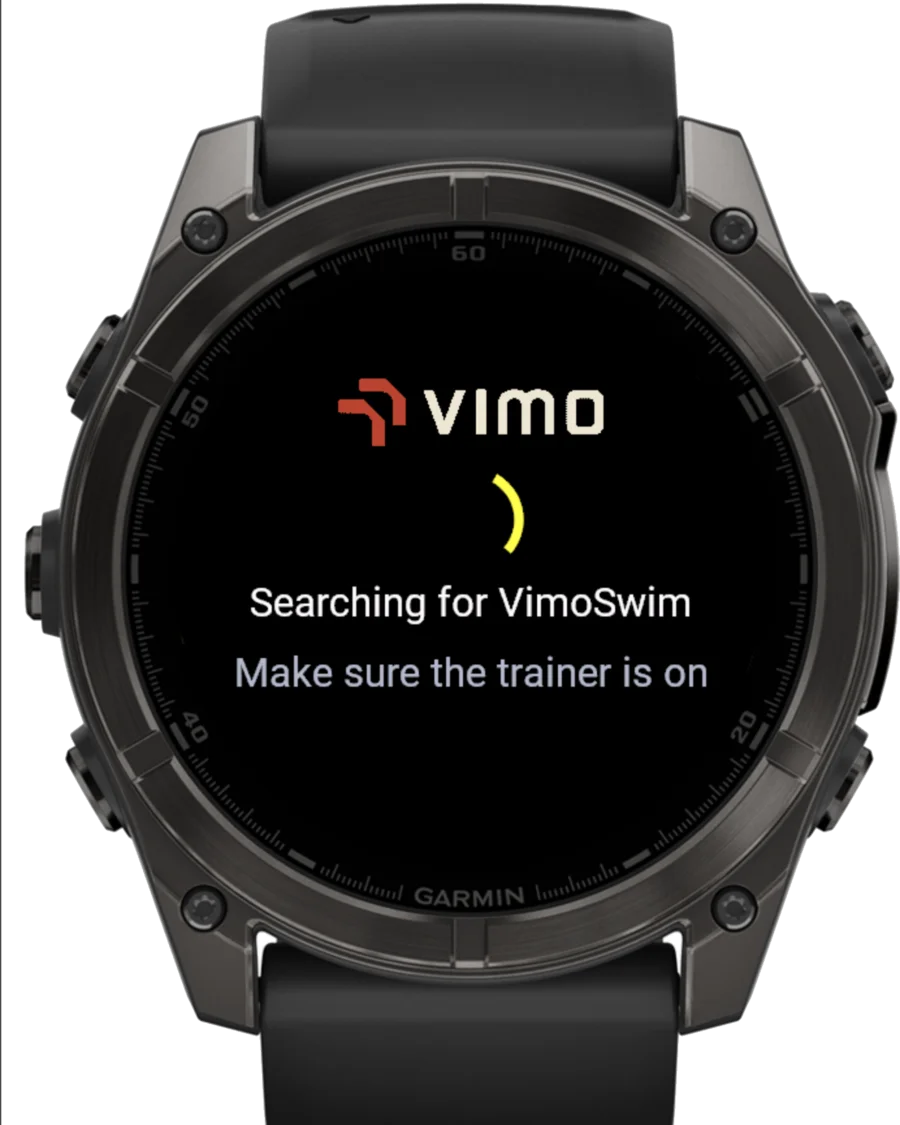
When something's off, it tells you what to fix
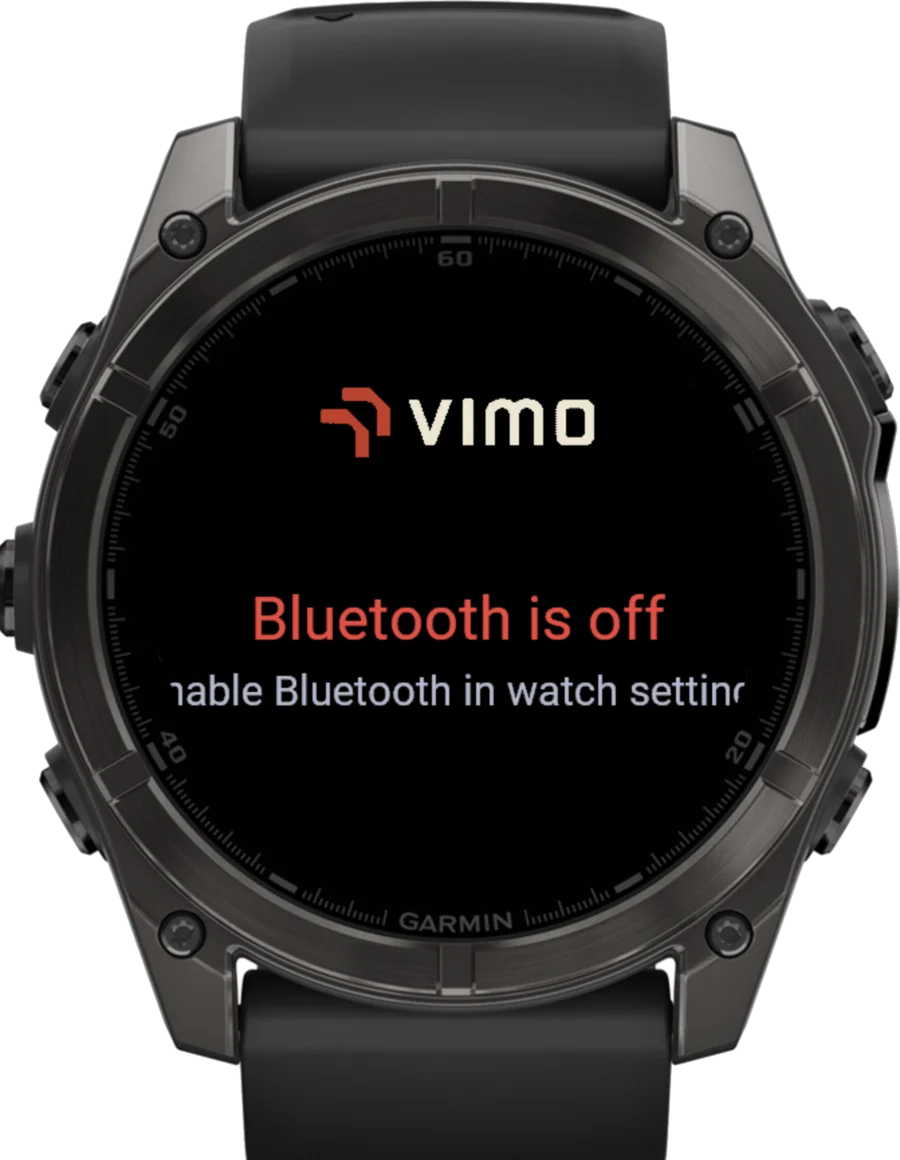
Bluetooth disabled? Pairing failed? The app names the problem and the fix — "Enable Bluetooth in watch settings" — instead of leaving you staring at a spinner.
Five buttons, zero menus to hunt through
Physical buttons only — no touchscreen taps with wet hands. Every action is one press away.
Pair once, swim forever
First pairing is deliberate — after that, the watch finds your Vimo Swim on its own.
Install
Get Vimo Swim free from the Garmin Connect IQ Store.
Pair once
Pick your Vimo Swim from the list and confirm — the watch remembers it.
Swim
Start, stop and adjust tempo from the wrist, mid-set.
Repeat
Next session the watch reconnects silently. Just open the app and go.
Made for Garmin Fenix
Fenix 7 Series
- Fenix 7S
- Fenix 7
- Fenix 7X
- Fenix 7 Pro
Fenix 8 Series
- Fenix 8 43 mm
- Fenix 8 47 mm
- Fenix 8 47 mm Pro
- Fenix 8 Solar 47 / 51 mm
More Garmin models are on the roadmap — support grows with demand.
Learn from our stories
Recording Vimo tempo in Garmin FIT
How Vimo tempo becomes first-class training data in Garmin Connect.
Vimo Swim joins the ANT+ ecosystem
Why interoperable sports technology matters for swimmers.
Stitching a split Garmin activity
A hands-on look inside Garmin FIT files and their data.