

Behind the Scenes
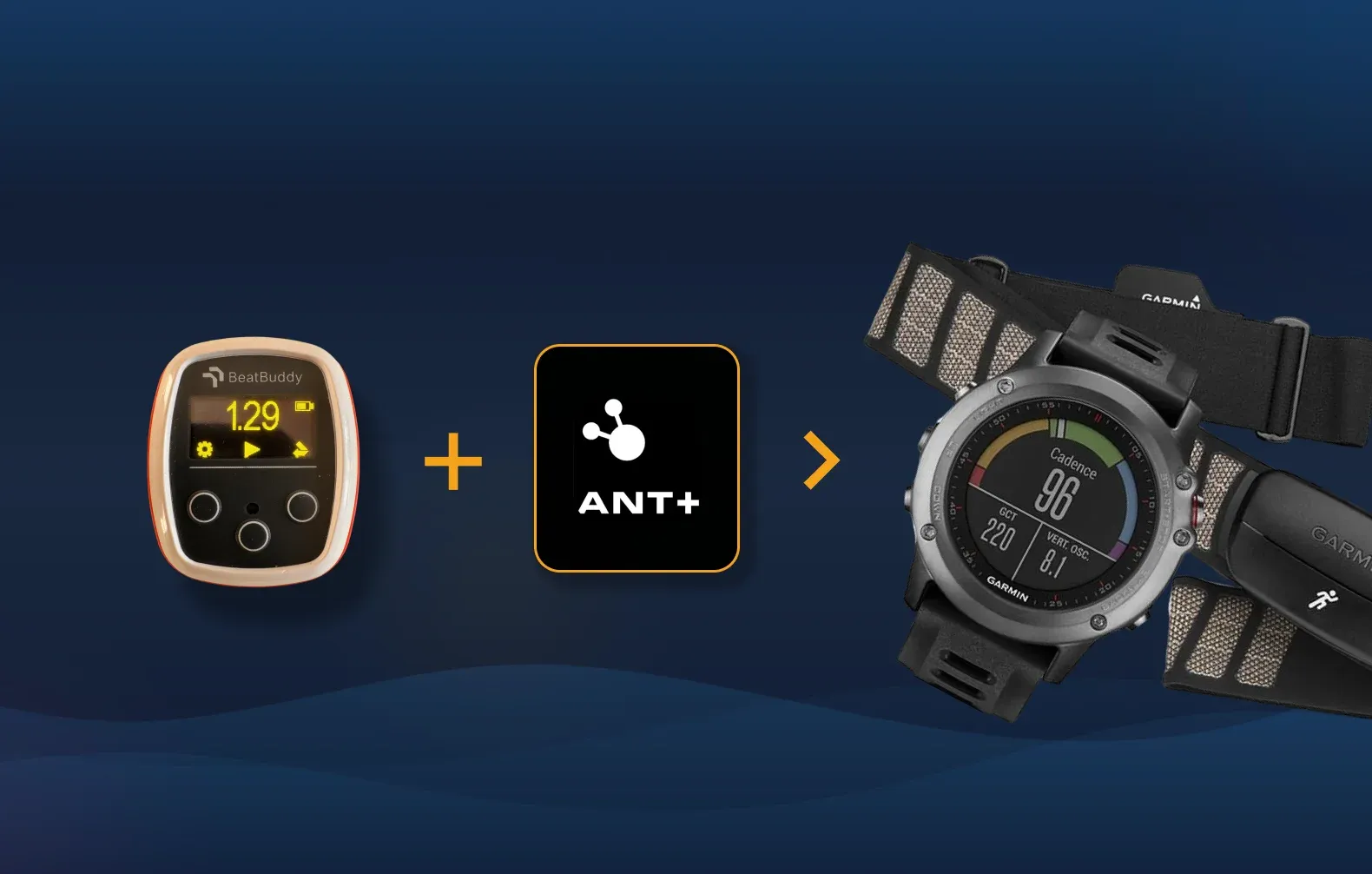
VimoSwim Joins the ANT+ Ecosystem as an Early Adopter
We've officially joined the ANT+ Adopter Program — here's what it means for VimoSwim and why it matters for athletes.
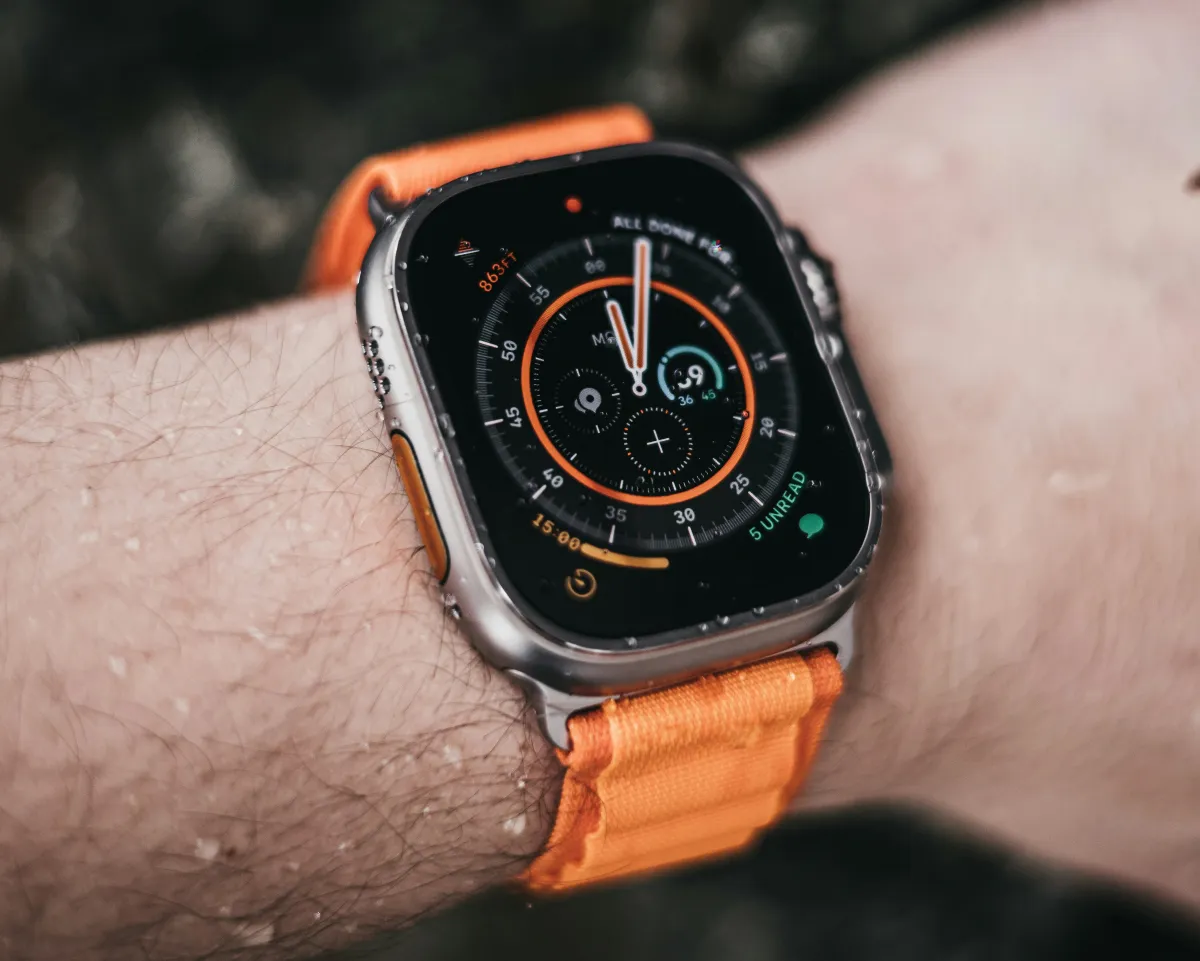
We're researching how Apple Watch could work as a simple remote control for VimoSwim — here's what we're exploring and why.
After joining the ANT+ ecosystem as an early adopter, we're now exploring another direction — Apple Watch as a remote control for VimoSwim.
VimoSwim is a waterproof device that sits under your swim cap or clips to your goggles. It works great — but adjusting settings mid-workout means reaching for the device itself. What if you could just tap your wrist instead?
That's the core idea: a simple Apple Watch app that lets you start, stop, and control your VimoSwim without touching the device directly.
Apple Watch is the most popular wearable among athletes. Swimmers, runners, cyclists — millions already wear one every day. It's waterproof (Series 2+ to 50m), it's always on your wrist, and it communicates over Bluetooth Low Energy — the same protocol VimoSwim already speaks.
Start & Stop
Tap your wrist to start or pause VimoSwim. No need to reach under your swim cap.
Always Within Reach
Your watch is on your wrist — the most accessible spot during any workout.
BLE Connection
Apple Watch communicates over BLE — the same protocol VimoSwim already uses.
Waterproof Pairing
Both devices are designed for water. A natural pairing for pool sessions.
We're currently in the R&D phase — testing feasibility, exploring watchOS APIs, and figuring out the best way to establish a reliable BLE connection between Apple Watch and VimoSwim.
The first version would be intentionally minimal:
That's it. No tempo adjustment from the watch, no heart rate integration, no HIIT timers — not yet. We believe in shipping something small that works well, and then iterating based on real feedback.
watchOS has its own rules. BLE connections behave differently on Apple Watch than on iPhone — CoreBluetooth on watchOS has limitations around background execution and connection management. We're investigating how to maintain a stable BLE link between the watch and VimoSwim, especially in water where radio signals are attenuated.
Some of the questions we're working through:
If the basic remote control works well, there's a natural roadmap of possibilities — but we're not committing to anything beyond the initial version right now. We want to get the fundamentals right first and hear what athletes actually need.
The beauty of starting with a simple remote is that it adds value without changing what VimoSwim already does well. The device stays the same. You just get a more convenient way to control it.
Curious about VimoSwim on Apple Watch? Join our newsletter — we'll share updates as the research progresses.
Get early updates on VimoSwim and be first to know when beta spots open.
We respect your privacy. Unsubscribe at any time.
VimoSwim Joins the ANT+ Ecosystem as an Early Adopter
We've officially joined the ANT+ Adopter Program — here's what it means for VimoSwim and why it matters for athletes.
From Self-Taught Swimmer to Open Water Podiums — Istvan's Story
Istvan Perge didn't learn to swim until he was 14. Now he wins age-group podiums at X-Waters, crosses Lake Balaton, and trains with Total Immersion. Here's his journey.